HyperDAF Blog
Category Block Editor
Every post and page in WordPress is built in the block editor. If you publish on WordPress, this editor is your desk: the place where writing, images, layout and publishing all happen. This category is about using that desk well. It covers the editor itself, the patterns and reusable blocks that save you from rebuilding the same sections, the errors that stop you mid-edit, and the small habits that make building pages faster. You do not need to read the whole category. Read the complete guide once, then come back for the workflow that matches the job in front of you.
Start with the complete working guide. It is the newest guide in this category, and it walks through the editor the way you actually use it: blocks, layout, images, and publishing, in the order you meet them. An earlier complete guide covers the same ground and is worth reading if you want a second explanation of the same ideas. Between the two, you will have the full picture. Neither assumes you have used the editor before, and both are written for real publishing, not for a demo.
The biggest time saver in the editor is not a shortcut. It is never building the same thing twice. Two guides in this category are about exactly that: reusable block patterns and a workflow for them. A call-to-action box, a banner, a pricing section: build it once, save it as a pattern, and drop it into any page. One guide explains the idea and how patterns work without extra plugins. The other is a workflow guide for using them every day, so the same sections stay consistent across the whole site.
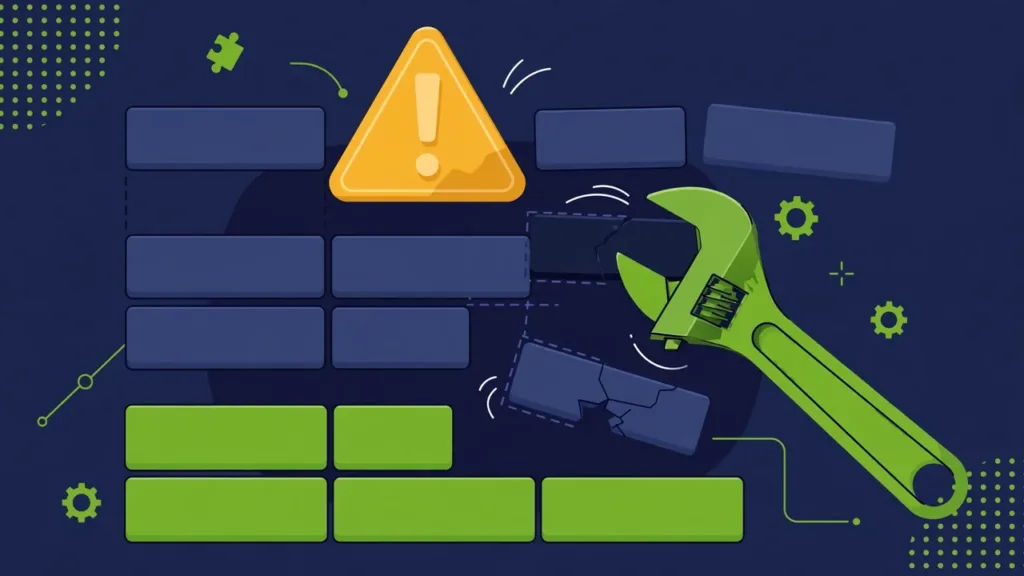
Then there is the day the editor stops cooperating. The best-known failure is the block validation error: you open a page to change one line of text and the editor shows an error instead of your content. The fix guide in this category walks through what that error means, why it happens, and how to repair the page without losing your work. Keep it bookmarked. It is the guide you will want at the exact moment you cannot afford to search for it.
The last two guides are about speed of working. Keyboard shortcuts and ten practical workflows cover the habits that add up: building pages with the keyboard instead of the mouse, transforming blocks in bulk, and publishing routines that save hours every week. These are small changes, and none of them is dramatic on its own. Together they are the difference between an editor that slows you down and one that keeps up with you.
Start here
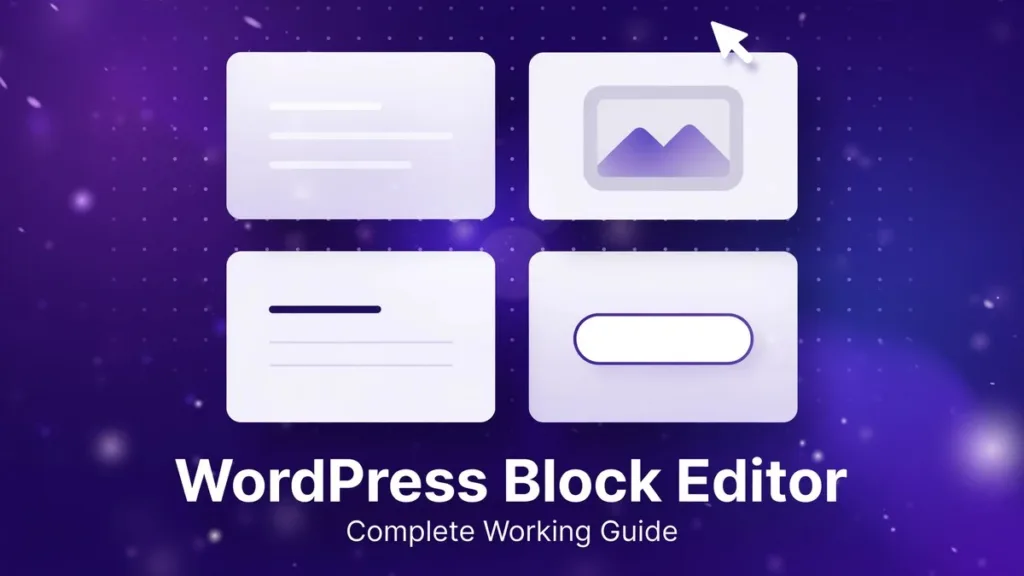
The WordPress Block Editor: A Complete Working Guide — Start here: the whole editor, explained the way you actually use it.
The Complete Guide to the WordPress Block Editor — A second full walkthrough if you want another explanation of the same ideas.
WordPress Block Patterns: Reuse Content Without Plugins — For anyone rebuilding the same sections on page after page.
Reusable Block Patterns: A Workflow Guide — For turning patterns into a daily habit that keeps the site consistent.
How to Fix ‘Block Validation Failed’ Errors in WordPress — For the day the editor shows an error instead of your page.
Block Editor Keyboard Shortcuts That Save Hours Weekly — For building pages faster with the keyboard.
10 Block Editor Workflows That Save You Hours — For ten practical habits that add up to hours saved every week.
7articles