HyperDAF Blog
Category Theme Tutorials
A WordPress theme decides what your site looks like, how fast it loads, how easy it is to change, and how much it costs you over the years. That is a lot of power for one decision, and it is why this category exists. The guides here cover the whole life of a theme: choosing one, installing it the right way, changing it safely, understanding how it decides which template to show, and avoiding the mistakes that break a site. If you are new to themes, read them in order. If you already run a site, jump to the guide that matches the job in front of you.
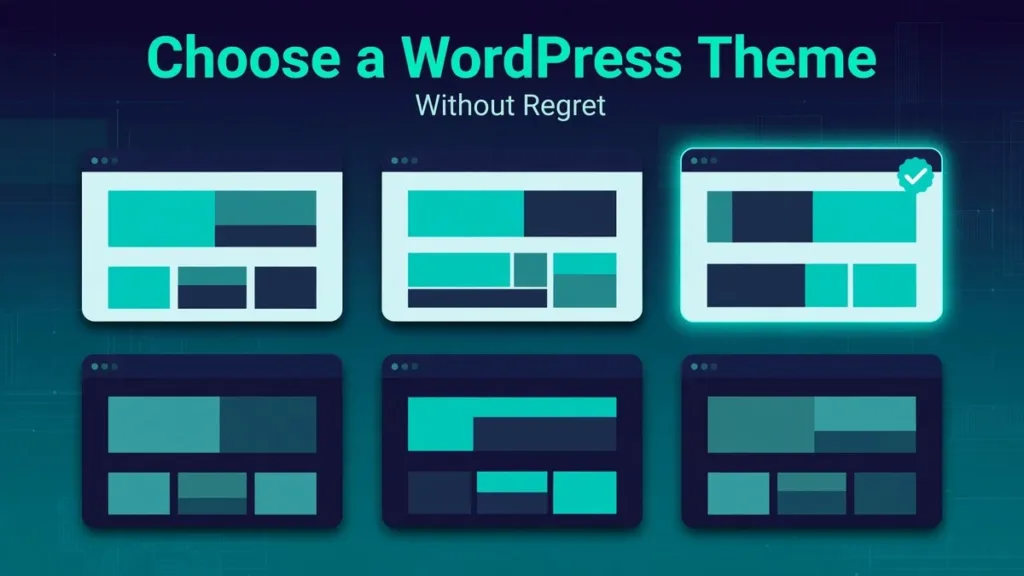
Choosing comes first. A theme is not a picture. It is a set of decisions about layout, speed, updates and support, and the prettiest demo can hide the weakest of them. The choosing guide in this category walks through what actually matters when you pick a theme, so you can judge one on its own merits instead of its screenshots. Read it before you install anything. It takes an hour to read and saves the weeks that a wrong theme costs.
Installing is next, and it is the step most beginners rush. There are three ways to install a theme, and the right way depends on where the theme comes from and what you need to do after it is live. The installation guide covers all three, plus the setup steps most beginners skip: the settings to check, the demo content to handle, and the first things to verify before you call the site done. Follow it once and you will have a routine you can reuse for every theme after this one.
Then comes changing the theme, which is where most sites get broken. Two guides in this category are about changing things safely. The child theme guide shows how to create a child theme step by step, so your changes survive the next update instead of being wiped out by it. The functions file guide shows how to add code to your theme safely, and what to do when a snippet goes wrong. The rule behind both guides is the same: never edit the theme you bought. Edit a copy that you own, or a place that updates cannot touch.
The last two guides are about understanding. The template hierarchy guide explains how WordPress decides which template file shows a given page, in plain language, so you stop fighting pages that refuse to use the template you edited. And the mistakes guide lists the seven theme mistakes that break sites, from editing the wrong files to ignoring updates, so you can recognise them before they cost you. Read the mistakes guide last. By then you will have made at least one of them, and you will know exactly what it is talking about.
Start here
How to Choose a WordPress Theme (Without Regret) — Start here: what actually matters when you pick a theme.
How to Install a WordPress Theme the Right Way — For installing a theme and the setup steps beginners skip.
How to Create a WordPress Child Theme (Step by Step) — For anyone about to change a theme and keep those changes.
How to Customize Your Theme’s functions.php Safely — For adding code to a theme without breaking the site.
WordPress Template Hierarchy Explained Simply — For pages that refuse to use the template you edited.
7 WordPress Theme Mistakes That Break Your Site — For the seven mistakes to recognise before they cost you.
6articles