
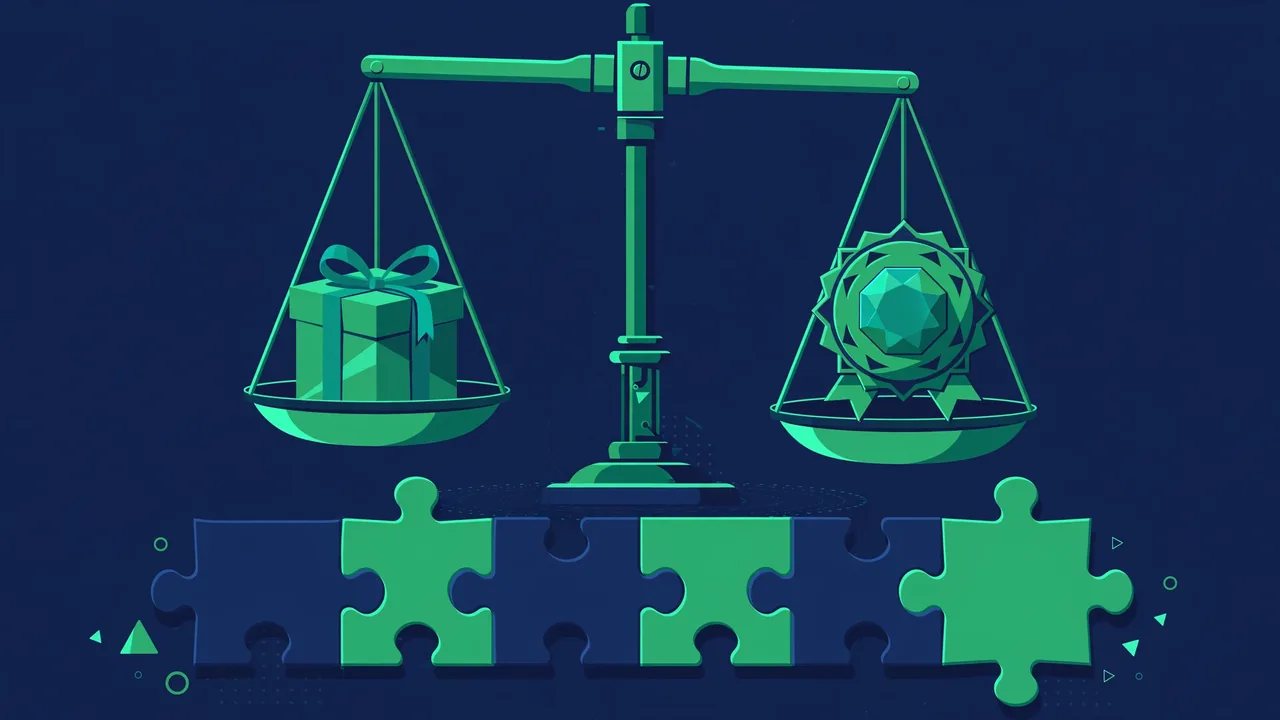
“Should I pay for this plugin?” is one of the most common WordPress questions, and most answers are useless — either “free is fine, never pay” or “premium is always better,” usually from someone selling something. The honest answer is it depends on what you are buying, and this guide will give you a framework for deciding case by case, plugin by plugin, without the sales pitch. By the end you will know exactly when free is enough, when paying is smart, and how to tell the difference before money changes hands.
The Free Plugin Landscape Is Better Than You Think
Let us start by correcting the misconception that free means inferior. The WordPress plugin directory hosts tens of thousands of free plugins, many maintained by professional developers and companies who monetize through premium tiers. These free versions are genuinely functional products, not demos — they handle real workloads for millions of sites, and many are the market leaders in their categories. For common needs like contact forms, basic SEO tooling, caching, backups, and security hardening, excellent free options exist that satisfy most sites completely, with no meaningful compromise.
Free plugins also carry structural advantages that money cannot buy: the directory’s review process and public support forums create transparency you can verify yourself, and the large install base means edge cases get found and fixed quickly. A free plugin with a huge active user count, recent updates, and responsive forum support is often safer than a niche premium plugin that nobody has stress-tested. Popularity, in the directory, is a form of peer review — thousands of production sites are continuously testing the code for you.
What Premium Actually Buys You
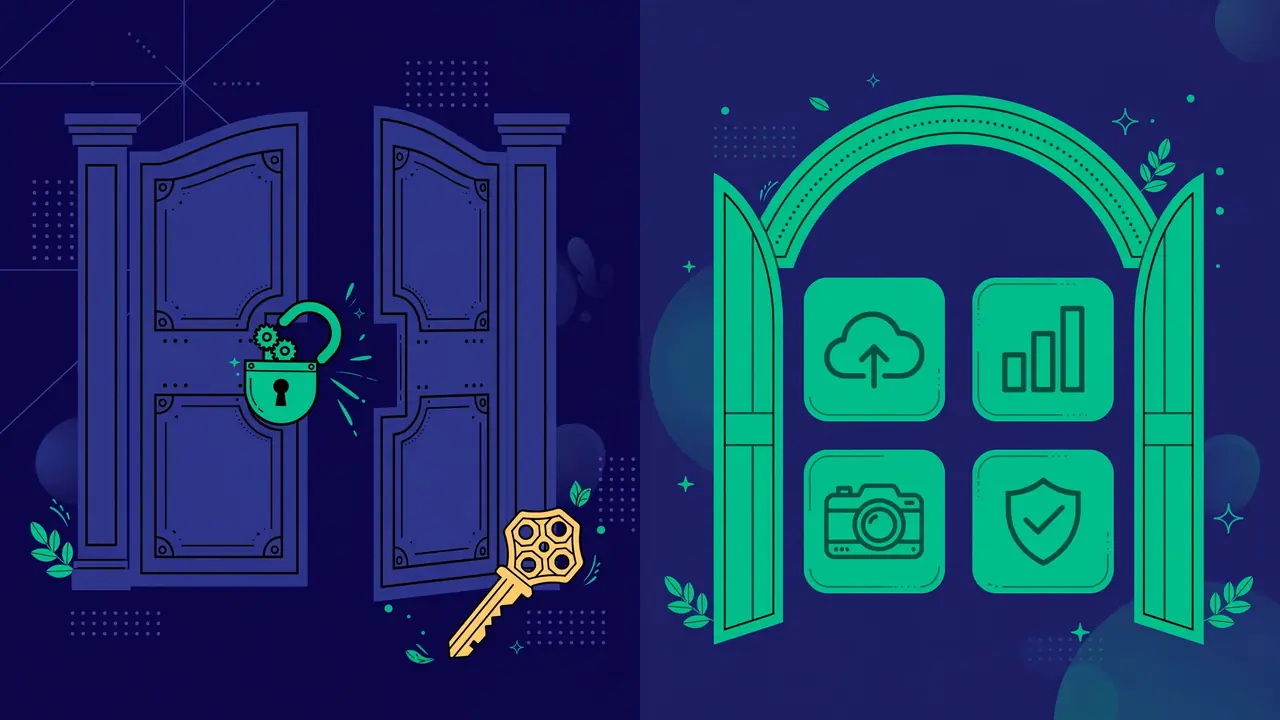
Premium pricing typically funds four things, and it helps enormously to know which ones you are actually paying for, because marketing bundles them into one appealing blur:
- Advanced features. The free version covers the core use case; premium adds the power features — conditional logic in forms, advanced reporting and analytics, multisite support, integrations with email services and CRMs. Whether these matter depends entirely on your needs: a blogger and an agency have completely different answers, and both can be right.
- Priority support. This is the most underrated part of premium and the one buyers most often overlook. Directory support forums are best-effort and public; premium support usually means guaranteed response times from people who know the product deeply. When a plugin is mission-critical — handling your payments, your bookings, your member logins — paying for someone to answer within hours instead of “eventually” is rational insurance, not luxury.
- Continued development. Your payment funds the roadmap. Free plugins maintained as side projects can stall when the author’s life changes; a plugin with paying customers has a business reason to keep improving, fixing, and adapting to WordPress core changes. For functionality your business depends on, that economic alignment between your needs and the author’s incentives genuinely matters.
- Removal of limits. Free tiers often cap usage — number of form entries per month, number of sites, products in a catalog, emails sent. Premium removes the ceiling. If you are hitting a free limit through real, organic growth, that is the clearest possible buy signal: the plugin has proven its value and you have outgrown the free tier honestly.
Notice what premium does not automatically buy: better code quality, better security practices, or a better fit for your specific needs. Price is not a quality signal by itself — there are sloppy premium plugins and superb free ones. Evaluate premium plugins with exactly the same skepticism as free ones: read the reviews, check the changelog, test the free tier first.
When Free Is the Right Call
Choose free when the free version fully covers your use case — not “mostly,” fully. If you are constantly working around the free version’s limits, that friction is telling you something. Choose free when the plugin is not mission-critical: if it broke tomorrow, you would be annoyed, not losing revenue or customer trust. Choose free when the author has a strong update and support history that gives you confidence in its future. And choose free when you are comfortable with community support — many directory forums are excellent, with authors answering daily.
Personal blogs, hobby sites, portfolios, and early-stage projects should default to free and upgrade only on evidence of need, not anticipation of it. There is no prize for spending money early, and the money saved funds the premium licenses that actually matter later. A good rule: revisit the decision when your traffic or revenue crosses a threshold you define in advance, not when marketing emails make you anxious.
When Paying Is Worth It
Pay when the plugin is load-bearing — payments, memberships, bookings, course delivery, anything where failure costs money, data, or trust. The support alone justifies the price here: when checkout breaks on a Friday night, “post in the forum and hope” is not a plan. Pay when you have outgrown the free tier’s limits through genuine usage rather than speculation. Pay when you need a specific premium feature that has no good free alternative — and verify that claim by actually testing the free alternatives first, because “no good alternative” is sometimes marketing.
And pay when the value of your time exceeds the price. This is the calculation people skip: if a premium feature saves you three hours of workaround-building, fragile custom code, or manual processes every month, and your time is worth more than the annual license, the math is simple and the answer is yes. The question is never “is it worth it in the abstract” — it is always “is it worth it to me, for this site, right now.” That framing kills both overspending and false economy.
The Decision Framework: Seven Questions
Before spending on any plugin, answer these honestly — in writing, if the purchase is significant:
- What exactly does the paid version do that the free one doesn’t? Read the feature comparison line by line. Vague claims like “more powerful” or “advanced” without specifics are a warning sign that the differences may not survive scrutiny.
- Do I need those differences today? Not “might need someday” — today, for work you are actually doing. Paying for anticipated future needs is how plugin budgets bloat into hundreds per year of unused capacity.
- What does the license cover? Number of sites (one? five? unlimited?), duration (one year vs “lifetime” — and what “lifetime” actually means: the product’s life? yours?), and crucially what happens at renewal: do you lose updates only, or support too? Does the plugin keep working if you stop paying?
- Is there a refund policy? A clear money-back window (commonly 14–30 days) lets you evaluate risk-free on your real site. No refund path means the evaluation must happen entirely before purchase — use any trial, demo, or free tier exhaustively first.
- How is the premium support, really? Look for independent reviews mentioning actual support experiences — response times, competence, attitude — not the marketing page’s promises. Support quality varies enormously between vendors charging similar prices.
- What is the total cost over three years? Renewals compound across your whole stack. A “cheap” annual license that renews at full price, multiplied across five plugins, is a meaningful budget line. Calculate the three-year total before the first-year price seduces you.
- Can I leave? If you cancel in a year, does your content survive intact? Plugins that lock your data into proprietary formats make every renewal a hostage negotiation. Prefer plugins with clean export options and uninstall routines that leave your content in standard WordPress structures.
Real-World Scenarios: Three Worked Examples
Scenario 1: A food blogger needs a recipe card plugin. The free version handles ingredients, instructions, and basic structured data — everything she needs. Her traffic is modest, the plugin is not load-bearing (if it broke, posts still read fine), and the author updates regularly. Verdict: free, confidently. The premium version’s meal-planner features solve problems she does not have.
Scenario 2: A freelancer’s booking plugin hits the free tier’s appointment limit. He is turning away bookings — real revenue — because of the cap. The plugin handles his client scheduling, which is load-bearing for his business, and the premium tier removes the limit plus adds payment integration he has been hacking around manually. Verdict: pay, immediately. The license costs less than one lost booking.
Scenario 3: An agency evaluates a form plugin for client sites. The free version is capable, but the agency needs priority support (clients will not wait for forum replies), multisite-friendly licensing, and conditional logic for complex client forms. They standardize on the premium tier across all client sites, negotiate the multi-site license, and document the renewal date. Verdict: pay, as a business decision with the seven-question framework filed for the records.
Notice how different the reasoning is in each case — same question, three correct answers, because the context differs. That is the whole point of a framework over a rule.
Red Flags Regardless of Price
Some signals should stop a purchase — or an installation — cold, free or premium: no clear changelog, no public support channel of any kind, pricing pages that hide renewal terms in fine print, “lifetime” deals from companies younger than the deal itself, and plugins that demand excessive permissions or external accounts for basic features. Also beware the bundle trap: “get fifty premium plugins for one low price” sounds like extraordinary value until you realize you needed two of them and the other forty-eight become unmaintained attack surface sitting on your server. And treat “free premium plugin” download sites as what they are — the internet’s most reliable malware delivery mechanism. If a premium plugin is worth using, it is worth buying from its actual author; the money “saved” on a nulled copy is the most expensive discount in WordPress.
Pro tip: start every plugin relationship on the free tier when one exists, even if you fully expect to upgrade. Two weeks of real usage on your real site tells you more about fit than any feature matrix — and when you do upgrade, you will know exactly which premium features you are paying for and why.
The free-versus-premium debate has no universal winner because it was never one decision — it is a dozen small decisions, one per plugin, each answered by need, criticality, and honest value. Default to free, pay for what is load-bearing or genuinely limiting, run the seven questions before spending, revisit annually as your site grows, and never touch nulled plugins. That discipline keeps your plugin stack both capable and honest, and your budget spent where it actually matters.