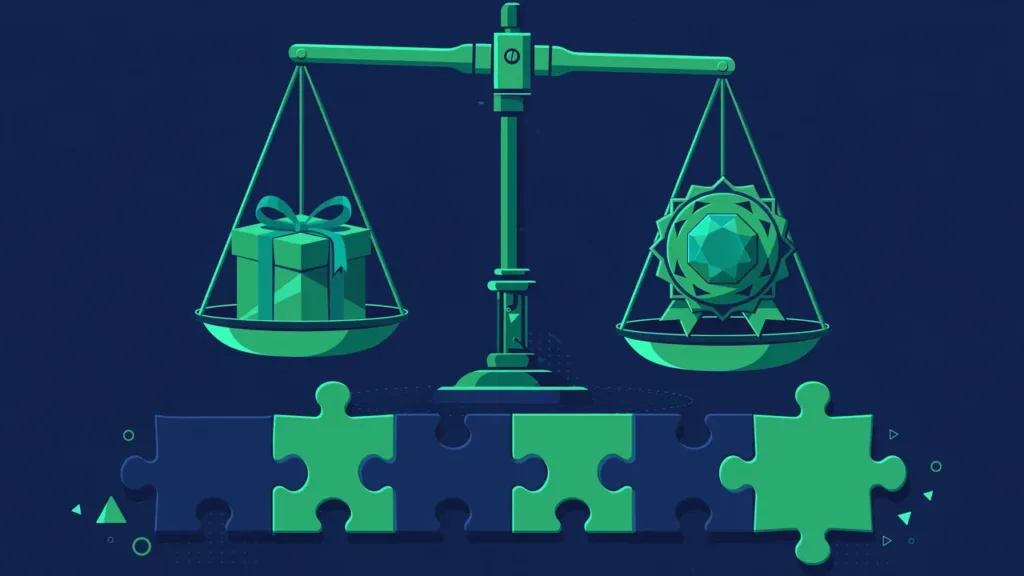

Choosing a WordPress theme feels like shopping, but it behaves like hiring. You are not buying a look — you are entering a multi-year relationship with a codebase that will host your content, affect your speed, and need maintenance for as long as your site exists. Most buyers optimize for the demo screenshot and regret it within a year. This guide reframes the decision around the five things that actually determine whether a theme serves you well long-term, plus the hidden costs and red flags most guides never mention.
Why Most Theme Choices Go Wrong
The failure pattern is consistent: someone picks the theme with the most stunning demo, installs it, and discovers that the demo’s magic came from professional photography, custom graphics, and content written by marketers — none of which transfers to their site. Meanwhile the theme is bloated with bundled features they will never use, loads slowly on real hosting, and its support forum is a graveyard of unanswered questions.
The root cause is evaluating the marketing instead of the product. Theme sellers optimize demos to sell; your job is to look past the demo at the code, the performance, the update history, and the support behind it. Everything below is about doing exactly that — and about recognizing that the theme decision is really three decisions: the design, the engineering, and the business relationship with its author.
What Actually Matters: The Five Pillars
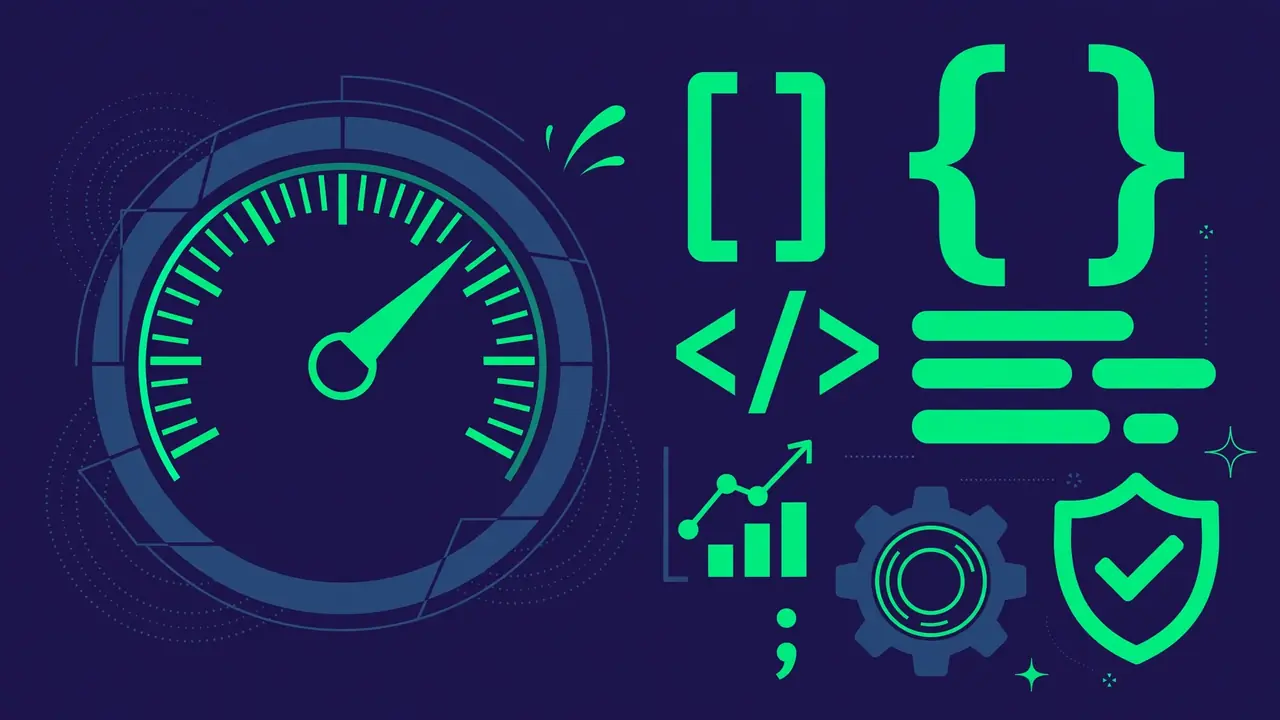
1. Code Quality and Standards
A well-coded theme is secure, compatible, and maintainable; a sloppy one is a liability that generates mysterious bugs for years. You cannot audit code yourself, but you can read reliable proxies: themes in the official WordPress directory pass automated and human review against coding standards. For premium themes, look for authors with a long track record, public changelogs that describe real engineering work, and professional documentation. A theme whose author explains their technical decisions publicly is almost always better built than one whose marketing only talks about “stunning design.” Also check whether the theme follows WordPress template hierarchy conventions — themes that invent their own structures are harder for any developer (including future you) to work with.
2. Performance
Your theme’s code runs on every single page load, so its weight directly affects your visitors’ experience and your search visibility. Test the theme’s own demo with a speed measurement tool — not to chase a perfect score, but to compare candidates against each other under similar conditions. All else equal, choose the lighter one, and be deeply suspicious of themes boasting dozens of bundled sliders, page builders, and “premium plugins included” — each bundle adds weight you pay for on every page whether you use it or not. Ask specifically: does the theme load its scripts conditionally (only where needed), or globally? Conditional loading is a hallmark of careful engineering.
3. Customization Without Code Lock-In
Good themes expose their options through the Customizer or the Site Editor using standard WordPress mechanisms. Bad ones invent proprietary option panels, require their bundled page builder for basic layouts, or store your content in theme-specific formats that no other theme can read. The test: if you switched themes next year, how much would break? The honest answer should be “styling, not content.” Prefer themes that keep functionality in companion plugins rather than baking it into the theme, and prefer themes whose demo content imports as standard posts and pages rather than proprietary blobs.
4. Support Quality
You will need support eventually — during setup, after an update, when something conflicts with a plugin. Evaluate it before buying: browse the support forum. Are questions answered, and how fast? Are the answers competent troubleshooting or copy-pasted deflections? For premium themes, check whether support is time-limited (commonly one year) and what renewal costs — factor that into the real price. A theme with mediocre design but excellent support beats a beautiful theme with dead support every time, because websites are maintained for years, not just launched once.
5. Update History and Longevity
A theme is software, and software rots without maintenance. Check the changelog: regular updates that mention WordPress compatibility, security fixes, and genuine improvements signal a living product. A theme updated twice in three years is abandonware wearing a price tag. Also consider the author’s business model — a theme from a company whose revenue depends on that theme’s success is safer than one from a seller with two hundred themes and no focus, because concentrated attention beats scattered attention. Finally, check the theme’s age trajectory: a five-year-old theme with consistent updates is proven; a three-month-old theme with fifty sales is a gamble, no matter how pretty.
The Hidden Costs Nobody Puts in the Demo
The sticker price is rarely the total price. Renewal fees for updates and support commonly run annually — calculate the three-year cost, not the first-year teaser. Bundled “premium” plugins often come as crippled versions: you get the plugin but not its own updates or support unless you buy a separate license, which the marketing rarely clarifies. Your time is the biggest hidden cost — a cheap theme that needs twenty hours of wrestling to look right is more expensive than a pricier one that works in two. And switching costs accrue when a theme locks in your content: every shortcode, custom field, and proprietary layout is a future migration bill. Add these up before comparing prices, because the cheapest theme on paper is frequently the most expensive in practice.
Red Flags That Disqualify a Theme Instantly
Some signals should end the evaluation immediately, no matter how good the demo looks. No public changelog or a changelog of empty “bug fixes” — you cannot assess what you cannot see. Support forum full of unanswered threads older than a month. Encrypted or obfuscated code in a premium theme — legitimate developers have no reason to hide their code from you, and obfuscation blocks both your troubleshooting and security review. Required plugins that phone home excessively or demand accounts for basic features. Demo content that cannot be removed cleanly — if the one-click demo floods your site with dozens of pages you must delete by hand, the author’s respect for your time is questionable. And no refund policy on a paid product: confidence in a product correlates strongly with willingness to guarantee it.
Free vs Premium: An Honest Framing
Free themes from the official directory are genuinely good now — reviewed against standards, maintained, and sufficient for many sites. They are the rational default for blogs, portfolios, and brochure sites. Premium themes buy you more design options, dedicated support, and often richer features — real value when design differentiation matters to your business or when you will genuinely lean on support. The honest way to decide: list what your site actually needs, then see which tier satisfies it. What never justifies premium is buying it for features you will not use — that is paying for bloat. And remember that “premium” describes the business model, not the quality: there are superb free themes and terrible premium ones, so evaluate every candidate on the five pillars regardless of price.
Before You Commit: The Evaluation Checklist
Run every finalist through this checklist before deciding:
- Live-preview it with your content. Use the preview tool with your actual posts, longest titles, and real images — not the demo content. Ugly with your content means ugly on your site, and this single test eliminates most bad fits.
- Test it on mobile first. Shrink the preview to phone width before admiring the desktop view. Check the mobile menu’s reachability, tap target sizes, and whether key content (calls to action, contact info) survives the transition.
- Measure the demo’s speed. Compare finalists head-to-head with the same measurement tool on the same day. Lighter wins ties, and large gaps are disqualifying.
- Read the one-star reviews. Patterns in complaints — broken updates, rude support, abandoned development — predict your future with uncomfortable accuracy. Ignore isolated rants; heed repeated themes.
- Check the update date and changelog. Recent, substantive updates only. Anything stale is disqualified, no matter how attractive.
- Confirm the license terms. How many sites may use it? What does support cover and for how long? At renewal, do you lose updates, support, or both — and what does each cost?
- Verify the refund policy. Know the terms, window, and process before you pay. A clear guarantee is itself a quality signal.
Pro tip: shortlist three themes, install all three on a staging site, and build the same one-page layout in each. An hour of hands-on comparison reveals more than a week of reading reviews — you will feel which one fights you and which one flows, and that feeling predicts the next two years.
The right theme is rarely the prettiest demo. It is the well-coded, fast, honestly supported, actively maintained one with no hidden costs and no red flags — the one that handles your real content gracefully and lets you leave someday without taking your content hostage. Evaluate for those qualities and you will choose a theme you still like in two years, which is the only review that matters.