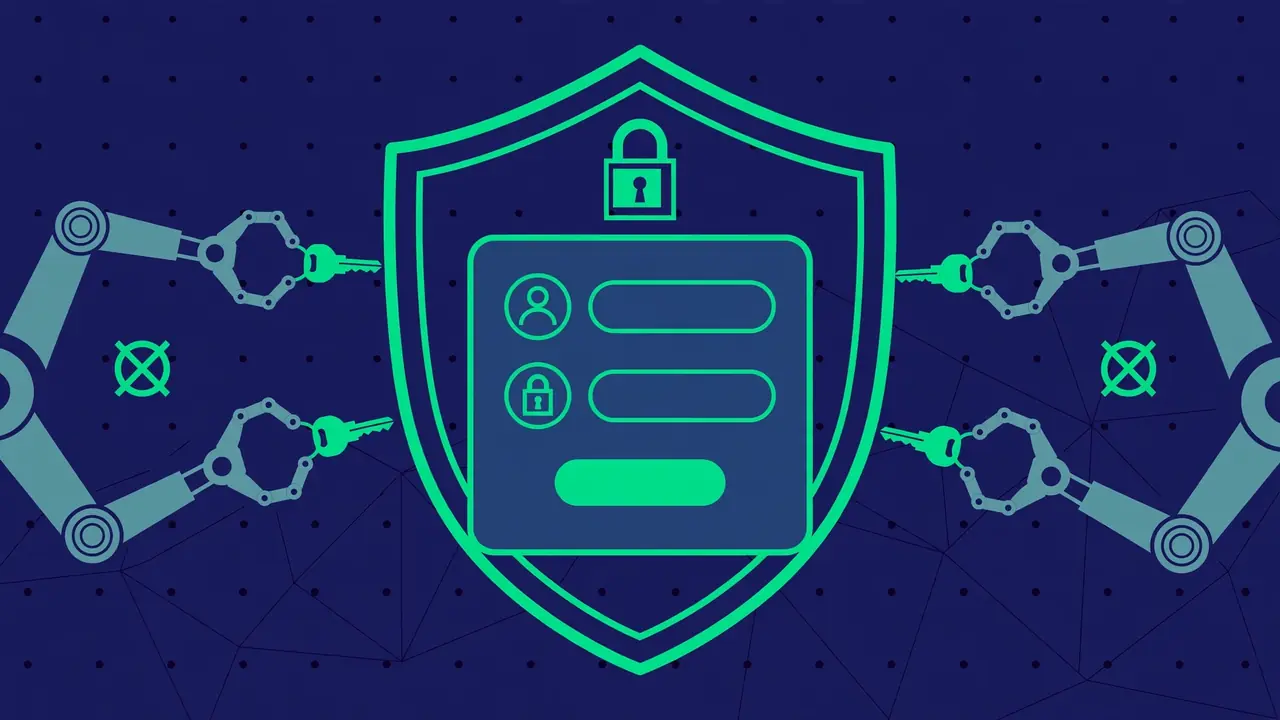
Every WordPress site on the public internet is under constant, automated attack. Botnets work through stolen credential lists around the clock, trying thousands of username and password combinations against wp-login.php on every site they can find — including yours, right now. This is not personal. It is industrial-scale guessing, and the defense is straightforward.
This guide builds WordPress brute force protection in layers, from the login form itself down to the server. Each layer is independent, so implement them in order and stop wherever your setup allows.
Understanding the Attack
A brute-force attack against WordPress login works like this: automated software sends POST requests to your login page with username and password combinations harvested from data breaches. The classic targets are the username admin — which far too many sites still use — and common passwords. Modern variants also abuse xmlrpc.php, WordPress’s remote publishing interface, which can validate hundreds of credential pairs in a single request.
The attacker’s economics depend on scale: they do not care about your site specifically, they care about finding the small percentage of sites with guessable credentials. Your goal is to make your site more expensive to attack than it is worth, and to make successful guessing mathematically impractical.
Layer 1: Eliminate Guessable Credentials
The foundation costs nothing and defeats the vast majority of automated guessing:
- Never use “admin” as a username. It is the first guess in every attack dictionary. Use a unique username that is not your display name, not your domain, and not guessable from your site’s content.
- Use a password manager and long random passwords. A 20-character random password is not meaningfully guessable by brute force within any relevant timeframe. Reused or memorable passwords are the actual vulnerability in most compromises.
- Give every user their own account. Shared logins mean shared passwords, and shared passwords get shared insecurely. Individual accounts also let you revoke one person’s access without disrupting everyone.
- Apply least privilege. Most users do not need administrator rights. Editors, authors, and shop managers should hold exactly the role their job requires — a compromised low-privilege account is far less dangerous than a compromised admin.
Layer 2: Two-Factor Authentication

Two-factor authentication (2FA) is the single highest-value login defense available. Even if an attacker somehow obtains a valid username and password, they still cannot log in without the second factor — typically a time-based code from an authenticator app.
Enable 2FA for every administrator account at minimum, and ideally for every user with publishing or settings access. Time-based one-time passwords via an authenticator app are the practical standard: they work offline, they are phishing-resistant enough for this threat model, and they add only seconds to each login. Store backup codes somewhere safe and offline — a lost phone without backup codes means a painful, slow account recovery process.
Pro tip: roll out 2FA to your own account first and live with it for a week before requiring it for others. You will discover any workflow friction while only your own access is at stake.
Layer 3: Limit Login Attempts
Brute force only works if the attacker gets unlimited guesses. Rate limiting the login form breaks the attack’s economics: after a small number of failed attempts from one IP address, further attempts are blocked for a growing period.
Effective rate limiting has a few properties worth understanding. It should trigger on failures, not on attempts — legitimate users who mistype once should never notice it. The block duration should escalate: a few minutes for the first offense, hours for repeat offenders. And it should distinguish between IP addresses, so one attacker’s block never locks out your legitimate users.
Be careful with aggressive settings on networks where many users share IPs — offices, universities, and some mobile carriers. Overly strict limits in those environments lock out real people, sometimes entire companies behind one gateway. Start moderate and tighten based on what your logs show, and always provide a clear path for a mistakenly blocked legitimate user to reach you.
Layer 4: Server-Level Rate Limiting
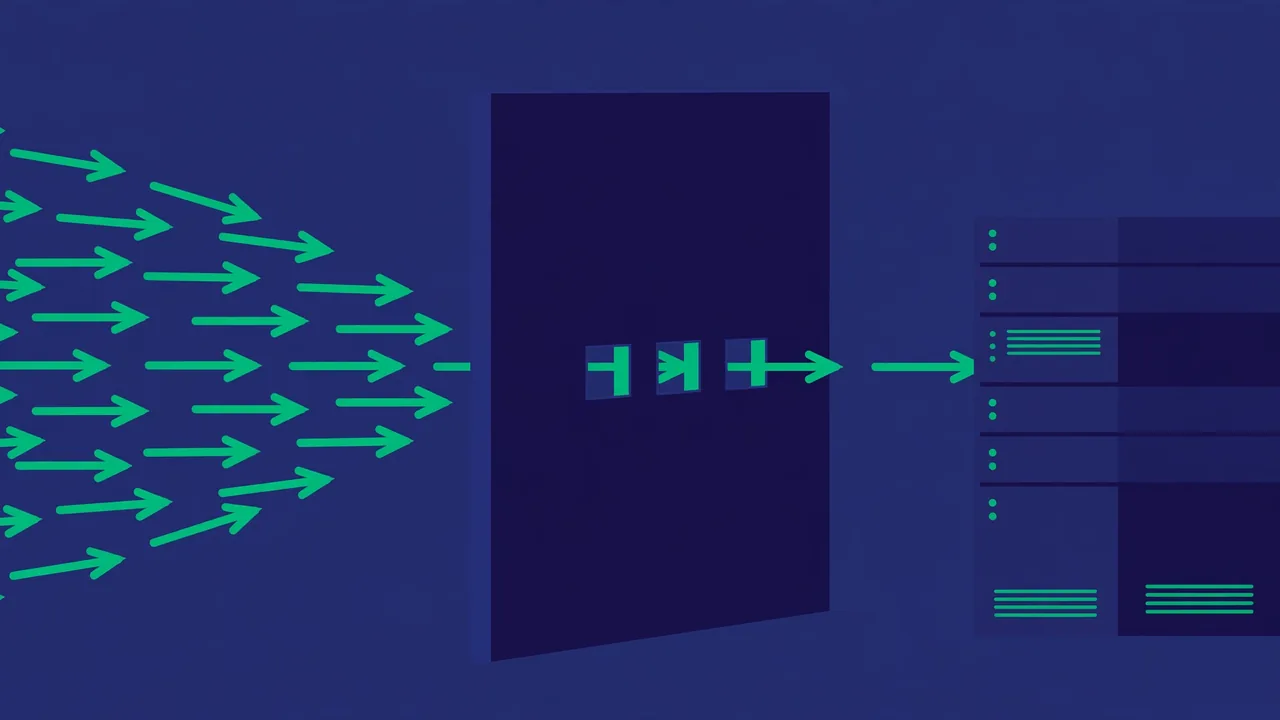
Application-level limiting happens inside WordPress, which means each blocked attempt still costs PHP execution and a database hit. Under a heavy distributed attack — thousands of IPs trying a few passwords each — that overhead adds up. Server-level rate limiting stops the requests before WordPress ever wakes up.
Web servers can limit request rates to sensitive endpoints like wp-login.php and xmlrpc.php directly. A common pattern allows a modest burst — enough for legitimate use — then throttles or blocks further requests from the same client. Because this happens at the server layer, blocked requests cost almost nothing, and your site stays responsive even while under active attack.
This is typically configured by your hosting provider or server administrator rather than in WordPress itself. If you manage your own server, it is worth the hour of configuration. If you do not, ask your host what login flood protection they provide — many already do this quietly.
During an Active Attack: Emergency Steps
Layers are for peacetime. If your logs show an active, ongoing brute-force campaign — thousands of attempts per minute, server load climbing — take these emergency steps in order:
- Confirm scope first: check whether any login actually succeeded. Failed attempts are noise; a single success is a breach. Review recent successful logins for unfamiliar IPs, times, or user agents before doing anything drastic.
- Block the attacking IPs at the server or firewall level. Application-level blocks still cost PHP execution per attempt; network-level blocks are nearly free. In a distributed attack with thousands of source IPs, block the worst offenders and let rate limiting handle the long tail.
- Temporarily tighten rate limits beyond your normal settings. During an active campaign, a stricter threshold for a few hours inconveniences almost nobody and starves the attack.
- Force a password reset for administrator accounts if there is any doubt about credential exposure — cheap insurance.
- Do not disable the login page or rename it in a panic. Obscurity measures adopted mid-attack tend to lock out your own team while barely slowing the bots, which probe multiple endpoints anyway.
After the attack subsides, review what happened: how many attempts, from how many IPs, over what duration, and whether your layers held. Each attack is free intelligence about your defenses — use it to tune thresholds and close any gap the logs reveal.
Layer 5: Dealing with xmlrpc.php
The xmlrpc.php file enables remote publishing — the WordPress mobile apps and some integrations use it. It also enables an attack technique where hundreds of login attempts are packed into one HTTP request, slipping past naive per-request rate limits.
Your options, in order of preference:
- Keep it if you need it, and make sure your rate limiting accounts for its multi-attempt behavior. Server-level rules can treat xmlrpc.php requests with extra suspicion.
- Restrict it to specific IP addresses if only your team’s apps use it.
- Disable it if nothing you use requires remote publishing. Fewer attack surfaces is always better than more.
Check whether you actually use it before deciding. Many sites carry xmlrpc.php exposure for years without a single legitimate use.
Layer 6: Hide Nothing, Monitor Everything
There is a persistent myth that hiding the login page — renaming wp-login.php — is strong security. It is not. It is security through obscurity: it defeats only the dumbest bots, breaks legitimate integrations, and creates a false sense of safety. Do the real layers above instead.
What actually matters is visibility. Monitor failed login attempts so you know your baseline: a handful per day is normal internet background noise; a sudden spike is an active campaign worth watching. Keep WordPress, themes, and plugins updated, because brute force is only one attack type — the others target known vulnerabilities, and updates are the defense. And maintain tested backups, because the final layer of every security strategy is the ability to recover.
Brute-force protection is not exotic. Unique usernames, strong passwords, two-factor authentication, rate limiting at two layers, and a decision about xmlrpc.php will put your login security ahead of the overwhelming majority of WordPress sites — which is exactly where you want to be when the bots come knocking. Review these layers once a year: staff changes, new integrations, and evolving attack techniques all shift the picture, and a defense you never revisit quietly rots.