

Every WordPress site owner eventually faces the same decision: build pages with the native block editor, or install a dedicated page builder plugin? Both promise drag-and-drop freedom, both can produce beautiful layouts, and both have passionate defenders. But they differ in ways that genuinely matter — page speed, long-term maintenance, and how much control you actually keep over your own site.
This comparison looks past the marketing and examines what each approach really costs you in performance, flexibility, and future-proofing, so you can pick the right tool for your specific project instead of following the crowd.
What Each Tool Actually Is
The block editor is the default WordPress editing experience. Every block — a paragraph, an image, a button, a columns layout — is a discrete unit of content stored as clean, semantic HTML inside your post or page. It ships with WordPress core, which means it is maintained by the core team, follows core coding standards, and will be supported for as long as WordPress exists.
A page builder is a third-party plugin that replaces or extends the editing screen with its own visual canvas. Builders typically offer far more design widgets out of the box: animated counters, pricing tables, advanced sliders, popups, and theme-builder features that let you design headers, footers, and archive templates visually. That power comes from a large additional codebase that loads on top of WordPress.
How Each Approach Affects Page Speed
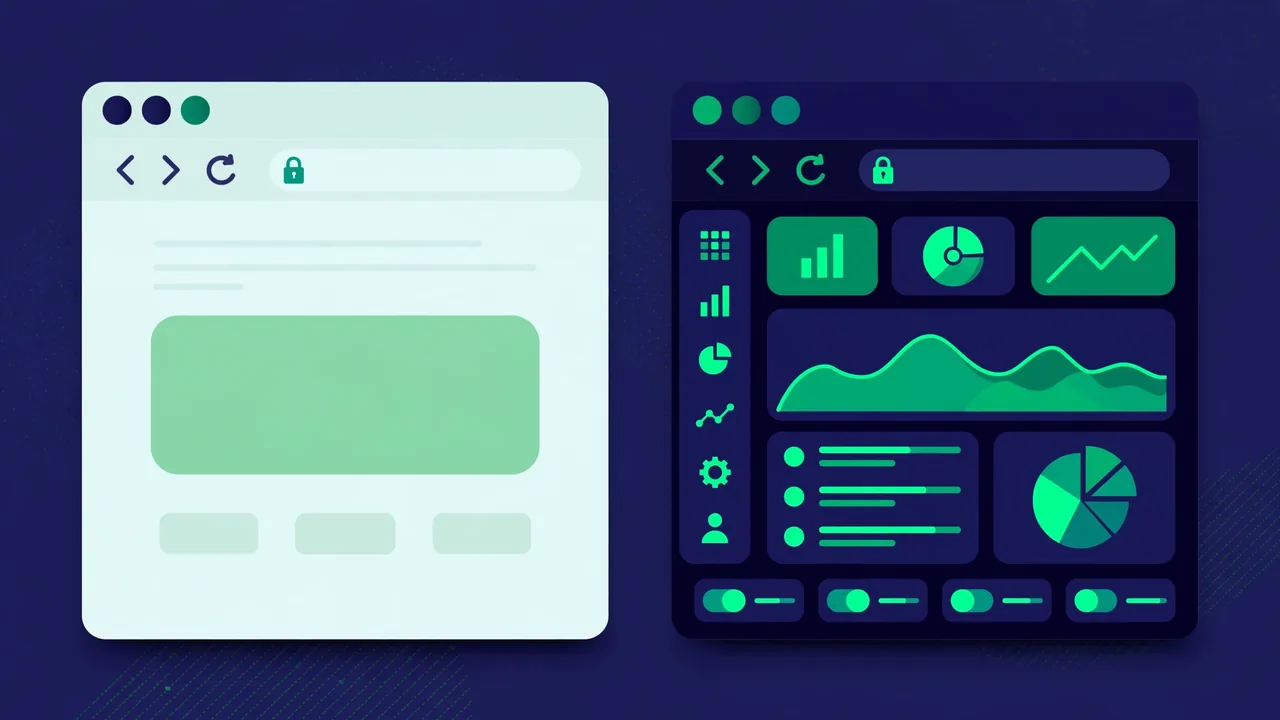
Speed is where the two approaches diverge most visibly. The block editor renders content using core WordPress markup with minimal extra CSS and JavaScript. A page built entirely with core blocks typically loads only the styles and scripts those specific blocks need, and nothing more.
Page builders, by contrast, must load their framework on every page they touch: their own CSS grid system, widget styles, JavaScript libraries for animations and interactions, and often icon fonts. Even a simple page can pull in several hundred kilobytes of builder assets before your actual content loads. Most builders have added asset-optimization features — loading widget styles only when the widget is used, for example — which narrows the gap considerably on well-optimized sites.
The honest summary: on a like-for-like simple layout, the block editor is almost always lighter. On complex, animation-heavy designs, a good builder with its performance settings tuned can come surprisingly close — but it takes deliberate optimization work to get there, while the block editor is fast by default.
Design Flexibility: Where Builders Still Lead
If raw design freedom is your priority, page builders still hold the advantage. They ship with dozens of specialized widgets, fine-grained responsive controls per device, motion effects, and theme-builder systems that let non-developers redesign headers, footers, product pages, and 404 templates without touching code.
The block editor has closed much of this gap through block patterns, the site editor, and ever-improving layout controls in block themes. You can now design headers, footers, and templates natively, and the pattern directory offers thousands of pre-designed block arrangements. What builders still do better is pixel-level control: custom positioning, advanced animations, and complex interactive widgets remain easier — or only possible — in a builder.
The hidden cost of flexibility
Every widget you drag onto a canvas adds markup, styles, and sometimes scripts. Builder pages tend to accumulate nested wrapper elements — sections inside sections inside columns — that bloat the page’s HTML structure. This “div soup” rarely hurts what visitors see, but it makes the page heavier to download and parse, and harder to restyle later without the builder.
Content Ownership and Lock-In
This is the comparison point most people discover too late. Content created in the block editor is stored as standard HTML with block markup. If you ever deactivate every plugin on your site, your block content still renders as clean, readable HTML.
Page builder content is stored as the builder’s own data format — often shortcodes or serialized JSON — wrapped around your text. Deactivate the builder, and your carefully designed pages can collapse into raw shortcode text or empty containers. Switching away from a builder later usually means rebuilding pages from scratch, which is a genuine long-term cost that should factor into your decision.
Tip: before committing to any builder, build one real page, then temporarily deactivate the builder on a staging copy. What you see is what you would be left with if you ever moved away — make sure you are comfortable with it.
Learning Curve and Workflow
Page builders win on immediate approachability. Their interfaces were designed from day one for visual, marketing-focused users: what you see on the canvas is very close to the final page, and the widget panels guide you toward finished-looking designs quickly.
The block editor has a steeper initial curve because it thinks in terms of content structure rather than pixel design. But that structural thinking pays off: once you learn patterns, reusable blocks, and template parts, you can assemble consistent, on-brand pages remarkably fast — and every page automatically inherits your theme’s design system instead of needing per-page styling.
For teams, the block editor has another quiet advantage: because it is core WordPress, any WordPress-trained editor, writer, or developer already knows it. Builder expertise does not transfer between different builders, so your team’s skills become tied to one vendor’s product.
Maintenance, Updates, and Compatibility
Core software updates on its own schedule, and third-party builders must race to stay compatible. Major WordPress releases have occasionally broken builder functionality for days or weeks until the builder shipped a patch — a risk you simply do not carry with the native editor.
Builders also add a second update stream to your maintenance routine, and occasionally a second license to renew. None of this is a dealbreaker — millions of sites run builders reliably — but it is real overhead compared to the zero-plugin approach, where your editing experience updates exactly when WordPress does, tested by the same team.
Total Cost of Ownership
Price rarely decides this comparison on its own, but it deserves an honest accounting. The block editor costs nothing beyond WordPress itself: no license, no renewal, no per-site fees. Every feature it gains arrives with core updates you were installing anyway.
Page builders typically use an annual license model, often tiered by the number of sites. For a single hobby site the cost is modest, but agencies managing dozens of client sites can spend a meaningful amount every year just to keep the builder licensed and updating. That recurring cost continues for as long as the sites exist — stop paying, and you usually lose access to updates and support while existing sites keep working on the last version you downloaded.
There is also a less obvious cost: specialist time. Builder-based sites are fastest in the hands of people who know that specific builder deeply. The block editor, being universal to WordPress, can be handed to any WordPress freelancer or new team member with zero retraining. When you price a project over three to five years — licenses plus the people who maintain it — the native editor’s total cost is almost always lower, sometimes dramatically so.
That said, cost alone should not override fit. A builder that lets a small team ship a high-converting landing page in an afternoon can pay for its license many times over. The mistake is paying for builder power on every page of a site that only needed it on three.
The Verdict: Which Should You Choose?

There is no universal winner, but there are clear winners for specific situations:
- Choose the block editor if you want the fastest pages with the least effort, you value content portability, you run a content-heavy site like a blog or news publication, or you want the lowest possible maintenance burden.
- Choose a page builder if you need advanced visual effects and pixel-level design control, you are building highly custom landing pages or marketing sites, or your team already works fast in a specific builder and the lock-in tradeoff is acceptable.
- Consider a hybrid: many successful sites use the block editor for posts, pages, and templates, and reserve a builder (or custom blocks) only for the handful of pages that truly need advanced design.
The broader trend is unmistakable: with every release, the block editor absorbs more of what once required a builder. If your needs are typical — attractive pages, decent layouts, fast loading — the native editor is now enough for most sites, and it is the choice that keeps your content yours.
Whichever route you take, revisit the decision once a year. WordPress evolves quickly, and the tool that was right for your site eighteen months ago may no longer be the best fit for where the platform — and your project — are heading next.