

Every WordPress site runs on plugins, and for nearly every job — forms, SEO, backups, security, e-commerce — you will find both a free option and a premium one promising to do it better. The price difference is obvious; the value difference is not. Paying for a plugin you did not need wastes money, but running a business on a free plugin that cannot support you can cost far more.
This guide compares free and premium WordPress plugins honestly: what “free” really means in this ecosystem, what premium pricing actually buys, where the hidden costs hide, and a practical framework for deciding case by case.
What “Free” Really Means in the WordPress Plugin World
Free WordPress plugins are not charity — they are a business model. The official plugin directory hosts tens of thousands of free plugins, and most serious ones follow the freemium pattern: a capable free version that solves the core problem, with advanced features reserved for a paid upgrade. The free version earns the developer distribution, reputation, reviews, and a funnel of future customers.
This model produces genuinely excellent free software. Many free plugins are maintained by professional teams, updated regularly, and used on millions of sites. The WordPress license itself requires that distributed plugins respect open-source freedoms, which means free plugins cannot lock your data away — you can always inspect, modify, or fork the code.
But “free” also covers a wide quality spectrum. At one end sit professionally maintained tools with dedicated teams; at the other, abandoned experiments last updated years ago by someone who lost interest. The price tag tells you nothing about which end you are looking at — that judgment is yours to make, and this guide will show you how.
What Premium Actually Buys You
Strip away the marketing and premium pricing consistently buys four things. First, priority support: access to the actual developers or trained specialists, usually with guaranteed response times, instead of hoping a volunteer answers your forum post. When something breaks on a revenue-generating site, the difference between a one-hour response and a maybe-never response is the entire value proposition.
Second, advanced features that the free version deliberately withholds: integrations with third-party services, automation and conditional logic, white-labeling, multisite support, or higher usage limits. Whether these matter depends entirely on your needs — many sites genuinely never need them.
Third, update priority and longevity signals. Paying customers fund continued development, which makes abandonment less likely. A plugin with a healthy premium business is simply a safer long-term bet than a free plugin maintained as a side project — not guaranteed, but measurably safer.
Fourth, freedom from upsell friction. Ironically, premium versions are often calmer to use: fewer upgrade nags, fewer locked features dangling in the interface, fewer admin notices. Part of what you buy is a quieter dashboard.
Security, Updates, and Abandonment Risk
Security is where the free-versus-premium debate gets most heated, and the reality is nuanced. A well-maintained free plugin from a reputable developer can be just as secure as a premium one — security comes from engineering discipline and prompt patching, not from the price tag. Some of the most security-conscious plugins in the ecosystem are free.
The real differentiator is abandonment risk. Plugins get abandoned when maintainers burn out, lose interest, or pivot — and free plugins without a revenue stream are statistically more vulnerable. An abandoned plugin does not just miss new features; it misses security patches, which turns it from a tool into a liability. Before adopting any plugin, free or premium, check its update history: consistent recent updates are the single best predictor of future maintenance.
Premium plugins can be abandoned too — companies get acquired, products get sunsetted. The advantage is not immunity but accountability: a paying customer base creates commercial pressure to communicate, provide migration paths, or at least announce shutdowns in advance rather than silently disappearing.
Tip: whatever you choose, keep a short list of every plugin on your site with its purpose and why you picked it. When it comes time to audit — and you should audit yearly — that list turns a daunting review into a thirty-minute task.
The True Cost of Free
Free plugins are free like puppies are free — the acquisition is the cheapest part. The real costs show up over time. Your time is the biggest: researching whether a free plugin is trustworthy, working around its limitations, and troubleshooting without priority support all consume hours that have value.
Then there is fragmentation cost. Free versions often cover 80% of a job, tempting you to bridge the remaining 20% with two more free plugins — each adding its own settings screen, update stream, and potential conflicts. Three free plugins doing the job of one premium plugin is a common and expensive pattern: more code loading on every page, more things that can conflict, more dashboards to monitor.
Finally, there is opportunity cost. The hours spent wrestling with limitations are hours not spent on content, customers, or growth. For a hobby site this trade is fine — tinkering is part of the fun. For a business site, it is worth pricing your own time honestly and comparing it against the plugin’s annual cost. The math surprises people regularly.
The freemium upsell treadmill
One specific hidden cost deserves naming: the upsell treadmill. Some free plugins are designed less as complete tools and more as advertisements for the premium version — core workflows interrupted by upgrade prompts, essential features paywalled mid-task. A free plugin that constantly sells you is not really free; it is a demo with no time limit. If you find yourself fighting the plugin instead of using it, that is the signal to either pay for the full version or switch to a genuinely complete alternative.
When Free Is Clearly the Right Choice
Despite everything above, free wins decisively in several common situations. Learning and experimentation: when you are new to WordPress or testing whether a site concept works, free plugins let you explore at zero cost. Simple, standard needs: basic contact forms, simple backups, standard SEO markup — mature free plugins handle these flawlessly.
Tight or zero budgets are an obvious case: a personal blog, a community project, or a pre-revenue startup should not be paying for software before the site earns anything. And reputable free plugins from established developers — tools with large install bases, frequent updates, and responsive forum support — are often indistinguishable in quality from premium alternatives for typical use.
The rule of thumb: if the free version completely solves your problem, the developer is active and reputable, and the site does not depend on the feature for revenue, free is not just acceptable — it is the smart choice. Spending money you did not need to spend is not an investment; it is just spending.
When Premium Pays for Itself
Premium earns its price when the stakes or the complexity rise. Revenue-dependent features are the clearest case: if your checkout, booking system, or membership gating breaks, you lose money by the hour — priority support and battle-tested reliability are cheap insurance. Client work is another: agencies billing for professional results cannot afford to tell a client “we’re waiting on a forum reply.”
Advanced requirements — complex conditional logic, integrations with business systems, multisite networks, high-traffic performance needs — frequently live only in premium tiers, because they are expensive to build and support. And time scarcity matters: if your hour is worth more than the plugin’s annual price, and the premium version saves you even a few hours a year, it has paid for itself.
Notice the pattern: premium wins where failure is expensive, time is scarce, or requirements are advanced. Everywhere else, free deserves the first look.
How to Decide: A Practical Framework
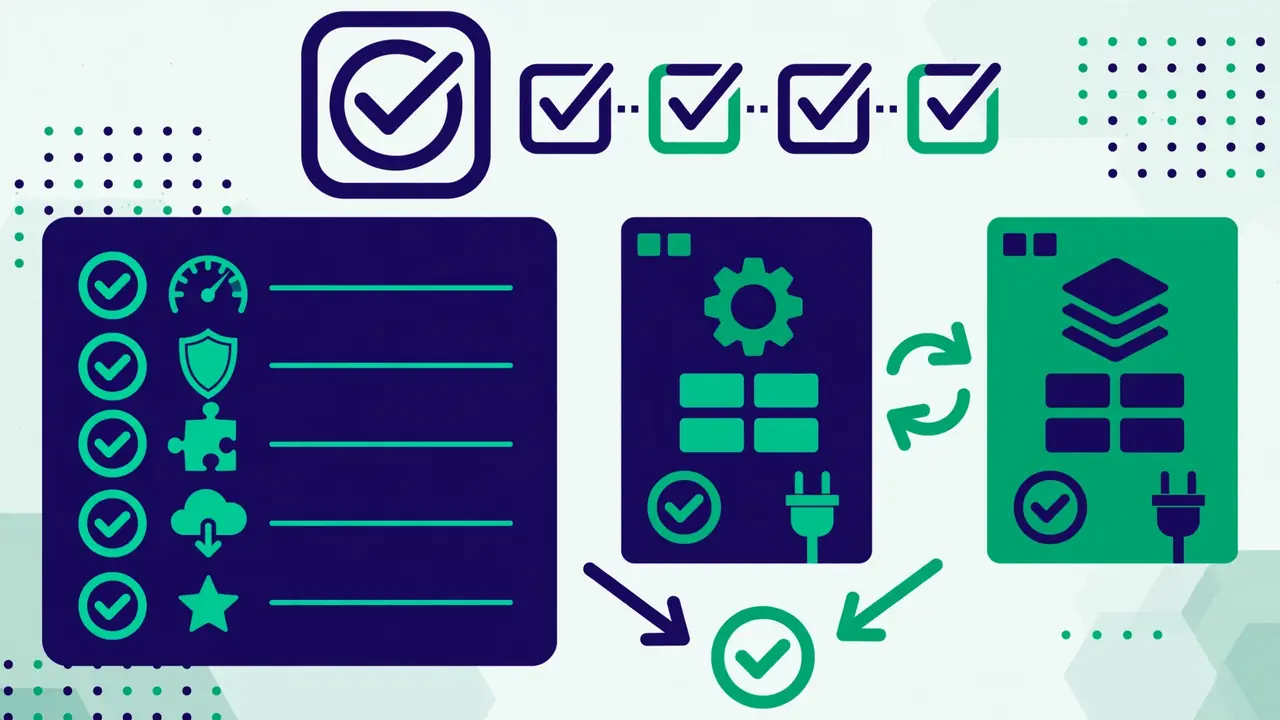
For each plugin decision, run through these questions in order:
- Does the free version fully solve my problem? Install it and test with your real content. If yes, stop here — you are done, and you spent nothing.
- Who maintains it? Check the update history, the support forum responsiveness, and the developer’s reputation. Recent, consistent updates beat everything else as a trust signal.
- What happens if it breaks? If the answer is “mild inconvenience,” free is fine. If the answer involves lost revenue, angry clients, or data loss, price the premium version against that risk.
- What is my time worth here? Estimate the hours the free version’s limitations will cost you in a year. Multiply by your hourly value. Compare with the license price.
- Am I stacking plugins to avoid paying? If you need two or three free plugins to replace one premium plugin, you are probably losing money on complexity. Consolidate.
- Can I start free and upgrade later? With freemium plugins, the answer is usually yes — which makes “start free, upgrade when the need is proven” the default strategy for uncertain cases.
The healthiest plugin stack on most WordPress sites is a mix: free plugins where free is genuinely sufficient, premium where the stakes justify it, and a yearly audit to confirm each choice still holds. There is no virtue in paying for everything and no virtue in paying for nothing — there is only the discipline of matching each tool to the job it does and the risk it carries. That discipline, applied across every plugin on your site, is worth more than any single purchase decision.