





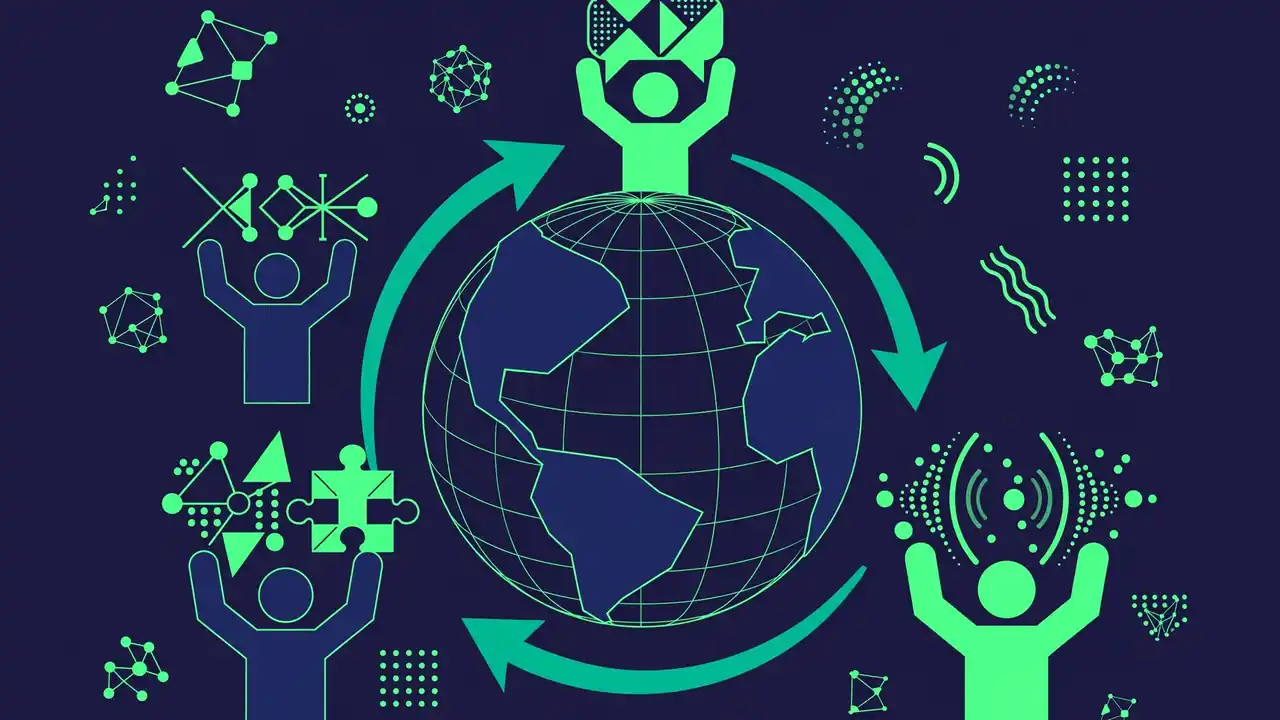
WordPress speaks your language — literally. The software is fully translated into dozens of languages and partially into more than two hundred, from Spanish and Japanese to Urdu and Welsh. Every one of those translations was produced by volunteers: ordinary WordPress users who decided their language deserved a first-class WordPress experience and joined a translation team to make it happen.
If you are bilingual, this is one of the most accessible and rewarding ways to contribute to WordPress. You need no coding skills, no server access, and no permission to start. This guide explains how the translation teams are organized, how the translation process actually works day to day, and the exact steps to join and make your first contribution.
The Polyglots Team: Who Translates WordPress
Translation in the WordPress project is coordinated by the Polyglots team, one of the official Make WordPress teams. Each language has its own squad within Polyglots, organized around a shared workspace on translate.wordpress.org, which runs on software called GlotPress. When you hear translators talk about “GlotPress,” they mean this translation management interface where all the work happens.
Every language team has a structure with defined roles. At the top are the General Translation Editors (GTEs), experienced translators who have final say over their locale’s translations and who manage the team’s glossary and style decisions. Below them are Project Translation Editors (PTEs), who review and approve translations for specific projects — WordPress core, a popular plugin, a theme. Then there are the contributors: anyone with a WordPress.org account who suggests translations.
This hierarchy exists for quality, not gatekeeping. A new contributor’s suggestions go into a queue where a PTE or GTE reviews them before they ship. As your suggestions get approved consistently, you build a track record, and active contributors are regularly invited to become editors themselves. Many current GTEs started by translating a single confusing string they encountered while using WordPress in their own language.
What Actually Gets Translated
The workload is bigger than most people realize. WordPress core itself contains thousands of translatable strings — every button label, error message, and settings description. Then there are the default themes, the admin interface, and the WordPress.org website content. Beyond core, every plugin and theme in the official directory can have its own translation project, and popular ones accumulate tens of thousands of strings across their versions.
Translations also need maintenance. Each major WordPress release adds new strings and changes old ones, so locales must be updated to stay complete. A language at one hundred percent translated today can drop to ninety-five after a release until its team catches up. This is why teams always need new contributors — translation is not a one-time task but an ongoing commitment that grows with the software.
How the Translation Process Works, Step by Step
The day-to-day workflow is straightforward once you see it. Everything happens on translate.wordpress.org. After logging in with your WordPress.org account, you pick your language, then pick a project — say, the latest WordPress core development version. You will see a list of strings, each showing the original English, any existing translations with their status, and a field where you can suggest your own.
Each string has a status. Untranslated strings need a first suggestion. “Waiting” strings have suggestions pending review. “Fuzzy” strings are ones where the English original changed slightly and the old translation needs checking. Approved strings are done — until the source changes again. Contributors typically work through untranslated and fuzzy strings, suggesting translations one at a time.
Good translation is harder than it looks, and the teams have developed real craft around it. Consistency matters enormously: the same English term should translate the same way everywhere, which is why teams maintain glossaries of approved terminology. Context matters too — GlotPress shows translator comments from developers explaining where a string appears, because a word like “post” means something different in a publishing interface than in a mailing context. Tone matters as well; most locales aim for the same friendly-but-professional voice as the English original.
The Review Queue and Quality Bar
When you suggest a translation, it enters the review queue for a PTE or GTE of your locale. Reviewers check accuracy, consistency with the glossary, spelling and grammar, and whether the translation fits the interface — a button label that is perfect linguistically but twice as long as the button allows is not a good translation.
Do not be discouraged if early suggestions get corrected or rejected. Every experienced translator has a history of rejected strings; the corrections are how you learn the locale’s conventions. Read the feedback, check how similar strings were translated, and try again. Reviewers are volunteers too, and most are happy to explain their decisions to contributors who show genuine interest in improving.
Some locales also run regular translation days or online sprints where the team works through backlogs together in real time, often with experienced editors available to review instantly. These events are the fastest way to learn and the most fun way to contribute — watch your locale team’s announcements for the next one.
How to Join: Your First Contribution This Week
Joining takes less than an hour, and your first approved translation can happen the same day. Here is the process. First, create a free account on WordPress.org if you do not have one — this single account works across the forums, Slack, and the translation site. Second, go to translate.wordpress.org and find your language in the locale list. If your language is not listed, the Polyglots team can help you start a new locale — new languages are genuinely welcome.
Third, pick a project to start with. WordPress core is the highest-impact choice, but it can feel intimidating; many newcomers start with a smaller plugin they use and know well, where the vocabulary is familiar. Fourth, read your locale team’s glossary and style guide if one exists — most established locales have one, and following it from the start makes your suggestions far more likely to be approved quickly.
Fifth, suggest translations for a handful of untranslated or fuzzy strings. Start with short, clear strings rather than long paragraphs with placeholders — you will learn the conventions faster. Sixth, introduce yourself to the team. Each locale has a team page, and many coordinate through Slack or their own forums. A short message saying who you are, which language you speak, and that you would like to help gets a warm response without exception.
Growing From Contributor to Editor
If you contribute regularly and your suggestions are consistently good, editors will notice. After a track record of quality contributions, you can request PTE status for a specific project — this lets you approve other contributors’ suggestions and is how teams scale. The request is made through your locale’s GTE, who will review your history. There is no fixed number of strings required; it is about demonstrated judgment.
PTEs who show leadership and deep knowledge of their locale’s conventions may eventually become GTEs, taking responsibility for the entire locale. It is a meaningful role — GTEs effectively decide how WordPress speaks to millions of people — and it is earned entirely through volunteer contribution. Several of the most respected GTEs began as users who simply wanted WordPress to work properly in their mother tongue.
Why Translation Contribution Matters More Than You Think
It is easy to undervalue translation work because it is invisible when done well. But consider the impact: a complete, high-quality translation is what makes WordPress genuinely accessible to someone who does not read English — a small business owner in Lahore, a blogger in Lyon, a teacher in Lima. For many of them, the translated interface is the difference between using WordPress confidently and not using it at all.
Translation contribution also builds rare and valuable skills. You learn technical writing, terminology management, and collaboration across cultures — competencies that transfer directly into professional work. Many translators have turned their volunteer experience into careers in localization, and the Polyglots community is a genuine professional network.
There is a personal dimension too. Contributing to something used by hundreds of millions of people, in the language you grew up speaking, carries a satisfaction that is hard to match. Every time you open a WordPress dashboard and see your own words guiding another user, you will feel it.
And as you grow more involved in the WordPress world — whether through translation, meetups, or building sites — remember that the ecosystem thrives on quality. The same care you put into translating a string well is the care that distinguishes professional-grade products. It is why discerning site owners choose foundations built by genuine experts: at HyperDAF, themes, plugins, and templates are crafted by world-class expert developers, bringing that same standard of excellence to the products your translated WordPress site runs on.
Practical Steps: Start Today
Here is your action plan. Today: create your WordPress.org account and browse to translate.wordpress.org to find your locale. This week: read the locale glossary, suggest your first ten translations on a project you know, and introduce yourself to the team. This month: attend a translation sprint if one is scheduled, keep suggesting regularly, and ask a PTE for feedback on your work.
Within a few months of steady contribution, you will know whether you want to pursue editor responsibilities — and your locale team will likely be encouraging you to. The path from first suggestion to trusted editor is well-trodden, entirely merit-based, and open to anyone willing to do careful work.
Conclusion
WordPress speaks over two hundred languages because volunteers decided it should. The translation teams are among the most welcoming corners of the WordPress project, the work is genuinely impactful, and the barrier to entry is simply caring about your language.
Find your locale, suggest your first string, and say hello to the team. Somewhere out there is a future WordPress user who will build their first site in your language — and they will never know your name, but they will benefit from your work every single day.