








Table of contents10
My coffee had gone cold before I noticed the red dot. One Tuesday morning this month, I logged into a client’s WordPress dashboard and the Updates page was shouting at me again — another security release, the third in under three weeks. I have managed WordPress updates for small business websites for eight years, and I have never seen core security releases arrive this fast.
If you run a WordPress site, those red dots probably make your stomach drop a little. Will it break my site? What if I ignore it? Can it wait? I feel the same twinge every time — so I read every line of the official WordPress 7.1.3 announcement, dug into the research behind it, and wrote this plain-English guide. You will learn exactly what changed, what each of the seven fixed flaws means for your site, why AI researchers are finding bugs at record speed, and the four-step routine I use to update every site safely. First update or fiftieth, start here.

One promise first: you do not need to be technical. Every scary term gets explained the moment it appears, and nothing here asks you to write a line of code.
Here is what this guide covers:
- The 7 flaws 7.1.3 fixed — translated into plain English
- A zero-jargon security dictionary: XSS, SQL injection and more
- Why security releases are suddenly arriving every few days
- Who is finding all these bugs now — the AI twist
- Why WordPress keeps attack details quiet (and why that is good)
- The uncomfortable truth: 91% of the real danger lives in your plugins
- My 4-step safe-update routine for every site
- What to do if a site gets hacked before it updates
- Frequently Asked Questions
- Final Thoughts
Ready? Let us get your site safe.
The Security Release That Broke the Pattern
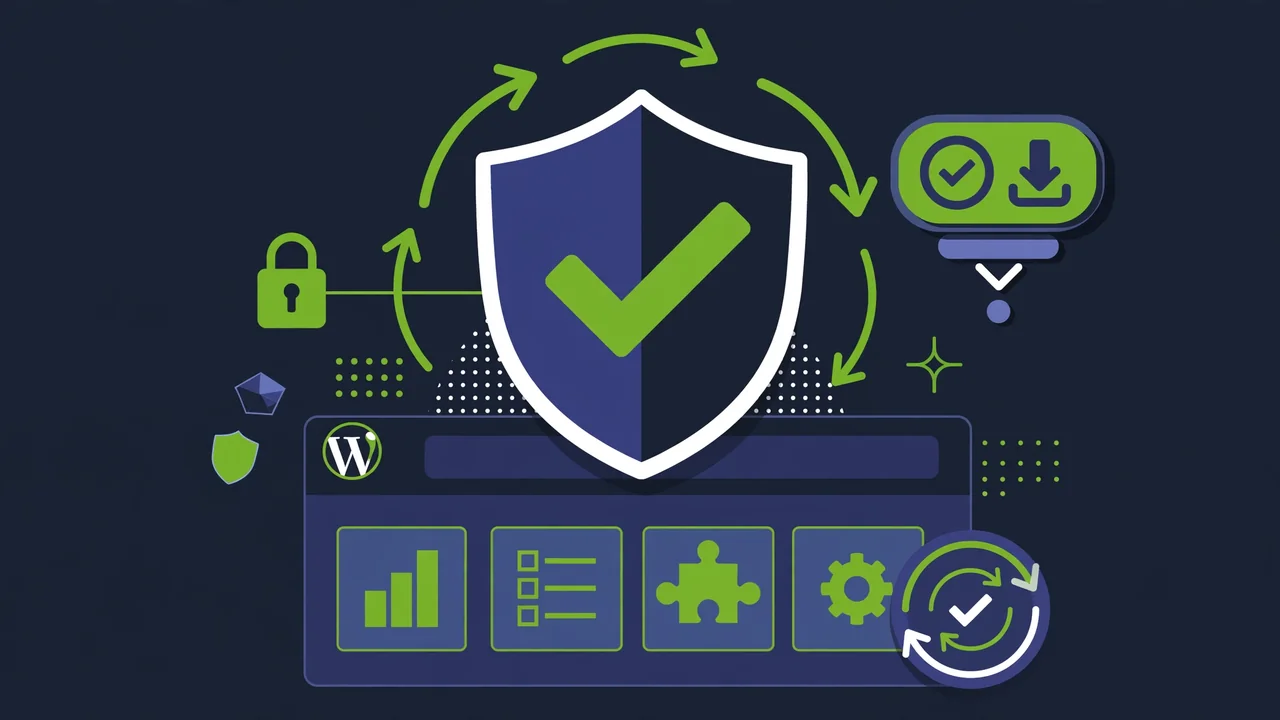
I have updated WordPress sites through dozens of releases, and security releases used to be rare events — a few times a year, with most serious problems living in plugins. That pattern just broke. WordPress 7.1.3 landed on 6 October 2026 with 7 security fixes and 4 bug fixes: the third security release in under three weeks (after 7.1.1 on 17 September and 7.1.2 on 22 September), and the sixth since mid-July — 34 core fixes in under 12 weeks.
That pace is unheard of for WordPress core. Here is the deal: it is not a sign WordPress is falling apart. It means researchers are examining core more closely than ever — and finding things faster than ever. Seven doors were found unlocked in the world’s most popular website software, and 7.1.3 locked every one. Let me show you each door, in words a ten-year-old would understand.
The 7 Flaws, Translated Into Plain English
Release notes read like Latin. Here are the seven credited fixes, translated.
1. A stored XSS on the Comments admin page, exploitable through pending comments. Translation: an attacker hides malicious code inside a comment, and when you open your pending comments to approve it, that code runs inside your admin area. Reported by Trail of Bits in collaboration with OpenAI.
2. A denial-of-service issue in WP_Http::make_absolute_url(). Translation: one crafted web request could exhaust your server and knock parts of your site offline — a denial-of-service attack steals nothing, it just keeps your site too busy to answer real visitors. Reported by Anthropic.
3. A second-order SQL injection in the WordPress WXR export. Translation: the export tool you use to move content between sites could be tricked into running hostile commands against your database — “second-order” means the poison is planted quietly now and triggers later. Reported by Anthropic.
4. A weakness letting Author-role users make posts sticky. Translation: lower-privileged Author users could pin posts to the top of the homepage — a power reserved for Editors and Administrators. Small alone, but classic privilege creep. Reported by Anthropic.
5. Unauthenticated disclosure of comments on private and unpublished posts. Translation: comments on posts nobody should see could leak to strangers — no login required. Private client-feedback conversations in your drafts could be exposed. Reported by Ananda Dhakal from Patchstack.
6. Imgur embeds vulnerable to XSS. Translation: an embedded Imgur image or album could carry malicious scripts onto your page — your site did nothing wrong, the danger rode in through a trusted embed. Reported by Zhengyu Liu, Jingcheng Yang and Gavin Zhong.
7. Forgeable parameters passed to the status-type hook could cause action name collision. Translation: an attacker could feed WordPress confusing instructions that mix up which internal action runs — like shouting a fake name in a crowded room. Reported by Alex Concha of the WordPress security team.
Seven flaws, seven locks. But every lock only works if you install the update — an unpatched site still has all seven doors open.
Your Security Dictionary: 5 Terms, Zero Jargon
When I started out, security articles terrified me — every sentence had three words I did not know. Here are the five terms in plain words. (WordPress’s own documentation has the official versions.)
XSS (cross-site scripting) is an attacker sneaking their own code onto your pages, so it runs in your visitors’ browsers — like slipping a forged note into a stack of real letters. Fixes 1 and 6 above were XSS flaws.
SQL injection targets your database — where WordPress stores posts, users, passwords — with input your database mistakes for a command. Like whispering “and also delete everything” to a librarian while asking for a book. Fix 3 was this kind.
Privilege escalation is a low-level user gaining powers they should not have — a subscriber acting like an administrator, like a hotel guest whose room key opens the manager’s office. Fix 4 was a mild version.
Information disclosure is private data — drafts, private comments, user details — leaking to people who should never see it. Less dramatic than a hack, but you may never know it happened. Fix 5 was exactly this.
CSRF (cross-site request forgery) targets you, the logged-in owner. While you are signed in to your dashboard in one tab, a malicious page in another tab secretly makes your browser act on your site — changing a setting, deleting something — with your login. You clicked nothing; your browser was tricked.
There — five terms, zero jargon. Now, who found these flaws? That is the most interesting part of this release.
The AI Twist: Who Is Finding These Bugs Now?
Three of the seven 7.1.3 fixes are credited to Anthropic — the AI company behind Claude. Not a one-off: two 7.1.1 fixes carry the same credit. Today’s WordPress flaw-hunters are, increasingly, AI systems — or humans working with them.
The numbers are startling. The critical attack chain patched in 7.0.2 was reportedly found through AI-assisted research in about ten hours, at an estimated cost of roughly $25 — the price of a pizza, to find a flaw in software running a huge share of the web. And WordPress’s bug bounty programme tells the same story: nine years of reports in the dozens per month, then 450 reports in July 2026 alone.

Does this mean AI will break into your site? Not directly. But the same tools that help researchers find flaws quickly will eventually help attackers too — and attackers do not report what they find. The gap between “flaw discovered” and “flaw exploited” is shrinking from weeks to hours. That is why these rapid-fire releases exist, and why updating fast matters more than ever.
Why WordPress Will Not Tell You Everything
You might wonder why the release notes are so vague. WordPress deliberately withholds full exploit details at release time: a detailed write-up would hand attackers a step-by-step roadmap while millions of sites are still unpatched.
Note: the full details do come out eventually — researchers publish write-ups once most sites have updated. The vagueness is a deliberate shield, and it only works if site owners do their part: update quickly, before the roadmap goes public.
The Uncomfortable Truth: 91% of the Real Danger Lives in Your Plugins
Core updates are the easy part — WordPress flags them with a big red dot. The harder truth comes from Patchstack’s State of WordPress Security report: 11,334 new ecosystem vulnerabilities in 2025, 91% in plugins, only 6 in core — and 46% had no fix available when first disclosed. For nearly half of all flaws, there was a window with no patch at all.
So while you update core today, audit your plugin list — every plugin is somebody else’s code running with privileges inside your site. Before activating anything new, run these checks before activating any plugin, and learn how to install WordPress plugins safely: five minutes of vetting beats five days of cleanup.
Code quality matters more than feature lists. At HyperDAF, our own team builds every WordPress product from scratch — no outsourced code, no bloat. Our marketplace of themes, plugins and tools launches very soon at hyperdaf.com.

Think of security as layered walls: updated core is the outer wall; careful plugin choices, strong passwords and good file permissions are the inner ones. One wall alone is never enough. My guide to stopping brute-force attacks on your login page and my file permissions security guide cover two neglected layers — most hacked sites I have seen fell through one of those gaps, not through core.
My 4-Step Safe-Update Routine
I follow the same ritual on every site, every time — because the once I skipped a step, an update clashed with a page builder and I spent my Saturday rebuilding a homepage. Never again.
Step 1: Back up first, always. Before you touch the update button, have a fresh, complete backup — files and database — stored off your server. A backup turns a disaster into a fifteen-minute restore. No backup, no update. That is the rule.
Step 2: Update immediately. Go to Dashboard → Updates and click Update Now. The official 7.1.3 announcement says it plainly: because this is a security release, update your sites immediately. I walk through my full safe-update checklist mechanically every time — routine beats memory.
Step 3: Switch on auto-updates for minor releases. Releases like 7.1.3 are minor — small, focused, and designed to install themselves safely in the background. Switch automatic updates on and security patches install while you sleep. If you are fuzzy on the difference, read how major and minor WordPress updates differ — minor releases are the safe, boring ones you want automated.
Step 4: Check the site afterwards — and use staging if you have one. After the update, open your homepage, a post and your contact page on your phone. Click around. If you run staging, update there first and test before touching the live site. Five minutes of checking beats five hours of fixing.

Bonus Tip: if you manage several sites, update the least important one first and watch it for a day — my canary site, a tiny personal blog, gets every update twelve hours before my clients’ sites. If something breaks, I would rather it breaks where nobody is watching.
If a Site Gets Hacked Before It Updates
I have had the call — the panicked “my site is showing strange ads” message. First: do not panic, and do not start deleting things randomly. Updating will not remove malware already there; you need a cleanup first. Work through a proper hacked-site recovery guide, then hunt for leftovers with a guide to finding and removing hidden malware. Once clean, update everything, change every password, and close the gaps.
Now your questions — answered honestly.
Frequently Asked Questions
Do I really need to update today, or can it wait until the weekend? Update today. Attackers study every security release the moment it drops — every day you wait, your site advertises seven known weaknesses. The update takes under a minute.
Will updating break my site? Almost never. Minor releases change little beyond the fixes; sites that break almost always break from an outdated plugin or theme — not core. That is why the routine starts with a backup: even a bad surprise becomes a fifteen-minute rollback.
What are automatic updates, and are they safe to switch on? They let WordPress install minor and security releases by itself, usually within hours — no clicks from you. Safe for minor releases because those are small and conservative. Major upgrades are a separate setting most owners run manually.
Why are there suddenly so many security updates? Researchers — increasingly assisted by AI — are examining core more intensively than ever, and the security team ships fixes fast instead of batching them. Frequent patches signal a healthy security process. The alternative — known flaws unfixed for months — is far worse.
Are plugins really more dangerous than WordPress itself? By the numbers, yes: 91% of 2025’s vulnerabilities were in plugins, versus 6 in core. Your security depends more on which plugins you install — and keeping them updated — than anything else. Fewer plugins, from reputable developers, updated promptly.
Final Thoughts
That cold coffee morning taught me something I keep relearning: updates feel like interruptions until the day they save you. The security team did frantic, impressive work locking seven doors in under three weeks — but it only matters if you turn the key. Back up, update, switch on auto-updates, and give your plugin list the hard look it deserves.
If you have read this far, congratulations — you now understand security updates better than most site owners ever will. And I will be honest: no routine makes a site invincible. It moves you from the easy-target pile to the too-much-effort pile — and attackers, like everyone else, prefer easy targets. Back up first — compare manual backups vs backup plugins. After the update, if a change does not show, see how to clear WordPress cache. If you are still stuck, find out where to get real WordPress help. Your host matters too, so read our guide to self-hosted WordPress.
Have a question about 7.1.3, or a security-update story of your own — good or bad? Leave a comment below. I read every one.
P.S. — if you like the idea of WordPress products built by a real expert team that treats code quality the way this article treats security, keep an eye on hyperdaf.com. Our marketplace launches very soon.



2 comments