Table of contents16
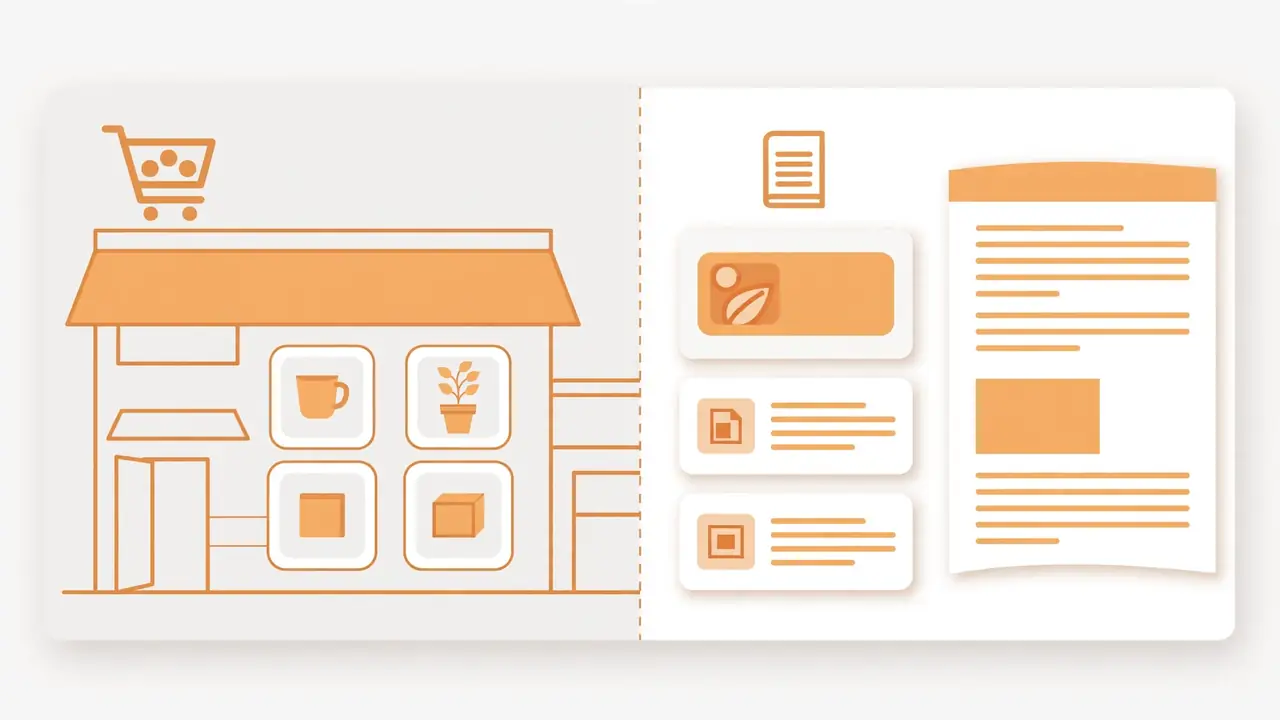
Yes — one install of HyperDAF Premium runs both sides of your site. The same theme draws the selling-platform homepage for your store and the full blog with its homepage, archives and article pages. Same design system, same header and footer, same settings screen. You do not install a second theme for the blog, and you do not rebuild the store when you start writing. You pick which side is the front page with the standard WordPress Reading settings, and the other side keeps working at its own address.
This article is about the theme only. For what the theme is, read the overview. For the two homepage templates, read the templates guide. For every setting the theme gives you, read the settings guide.
Contents:
- What “multi-purpose” really means
- The store side: what one theme gives your shop
- The blog side: what one theme gives your blog
- One design across every page
- Store side vs blog side
- How to set it up: store and blog in one install
- Where the line is: what the theme does not do
- Checklist before you launch both sides
- Frequently asked questions
What “multi-purpose” really means
A multi-purpose theme is a theme built to suit many kinds of sites from one setup. One theme can power a business site, a blog, a portfolio or a store, and you do not switch themes when your plan changes. A freelancer can launch a portfolio today and add a shop next year with no theme switch. A studio can start with a portfolio, then add a blog and a shop as the work grows.
The honest test is not how many site types a theme claims. It is how well it does each one. Themes that claim everything sometimes do nothing well, and a highly specific site — a real-estate listing site with unusual field requirements, for example — can genuinely need a purpose-built theme instead of a general one. So the question for HyperDAF Premium is narrower and checkable: does this one theme run a real store front and a real blog, both properly, on the same install? On hyperdaf.com itself the answer is visible. The homepage is the selling-platform layout, and the blog at /blog/ — with its guides, tutorials and article pages — runs in the same theme, under the same header and footer.
The store side: what one theme gives your shop
The store side starts with the homepage. Template 1 is the selling-platform homepage and the default: hero, trust badges, shop by category, a featured-product spotlight, best-selling products, a Chrome extensions showcase and a custom-project block. Each block after the hero has its own on/off toggle, so the store front shows only what you actually have. Template 2 is the previous multi-view homepage, kept as a choice for sites that want it.
Around the homepage, the theme supplies the whole shop frame: header layout and behaviour, navigation rows and dropdowns, site search with result cards, breadcrumbs, footer layout with its support band and menu columns, and the 404 and search-results pages. The design system — colours, typography, buttons and forms, spacing, borders and shadows — is one set of values that every store page follows, so a product page and the homepage never drift into two different looks.
The boundary matters as much as the coverage. Product data is owned by the HyperDAF Engine plugin, not the theme: product names, product pages, checkout and licensing live in the plugin, and the store’s products, cart, checkout and orders run through WooCommerce with the Engine plugin. The theme draws the pages around them. It does not add a product, change a product’s details, or set a price, and it has no WooCommerce templates of its own. That split is deliberate: the theme is the look of the store, the plugin is the shop itself.
The blog side: what one theme gives your blog
The blog side is not an afterthought bolted onto a shop theme. It has its own templates in the theme: home.php renders the blog homepage, single-post.php renders a single article, archive.php renders category and archive lists, and search.php routes blog search to the blog’s own results. The theme declares the standard blog supports — title tag, featured images, custom logo, HTML5 markup for search, comments and galleries — so articles render the way WordPress expects.
The Blog tab in Theme Setup covers the blog in seven sub-tabs: General, Design, Header and Hero, Single Article, Archive and Search, Sidebar, and Newsletter. Between them they control how the blog homepage looks, how a single article page is laid out, how archive and search-result lists present posts, what the sidebar holds, and the newsletter area. The blog homepage itself has its own sub-tab under Homepage, next to Front Page, so the blog view can be tuned separately from the store view.
The proof is the same site you are reading. The blog holds the full guide library — WordPress tutorials, security checklists, speed guides, the Premium series itself — and every article page, archive page and the /blog/ homepage render inside this one theme. No second theme, no separate blog install, no different header on article pages.
One design across every page
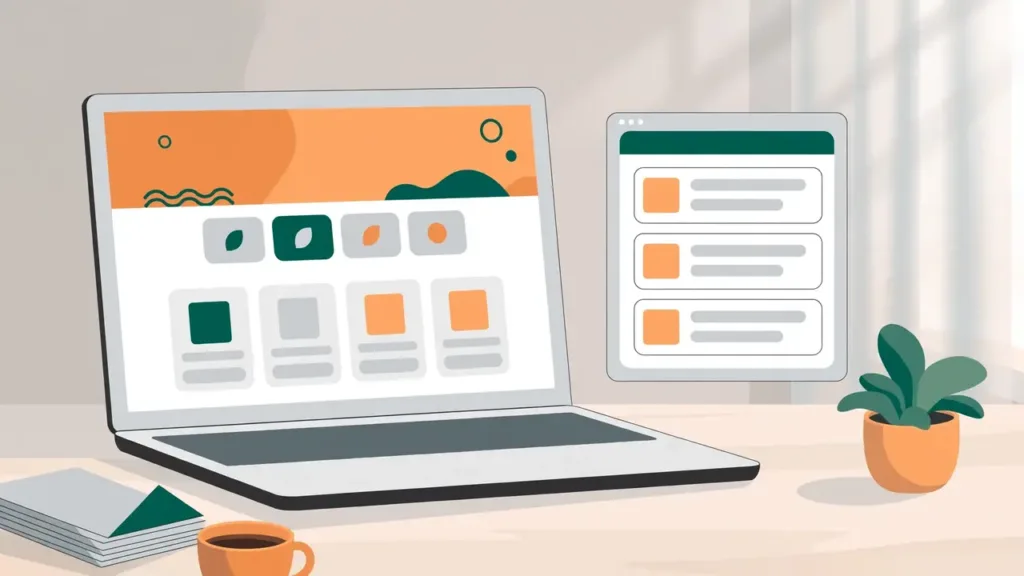
A store and a blog in one theme only feel like one site when every page shares the same design. HyperDAF Premium keeps one design system for the whole site, so the store homepage, a blog article, a tools page and an extension page all carry the same colours, typography, buttons, header and footer. Change a value in the Design System tab and it changes everywhere that component is used, instead of one page at a time.
The same theme also wraps the pages that are neither store nor blog. The free tools pages under /tools/ render in the theme, as do the extension pages for DAF Urdu for Chrome and Full Page Fetch, and the company pages. A visitor moving from a product spotlight to a guide to a tool page never leaves the site’s design — the header, the search, the footer and the visual language stay the same throughout.
That consistency is also what makes the Reading-settings switch safe. When the store homepage is the front page, the blog lives at /blog/ in the same design. When the blog homepage is the front page, the store homepage still exists at its own address in the same design. Neither side is a second-class citizen with a different look.
Store side vs blog side
| Side | What the theme gives it | Where it is controlled |
|---|---|---|
| Store homepage | Template 1 selling-platform layout: hero, trust badges, shop by category, featured product, best-selling products, extensions showcase, custom project | Homepage, then Front Page |
| Store frame | Header, navigation, search, breadcrumbs, footer, 404 and search-results pages | Header and Footer, Navigation and Search, Pages |
| Store data | Nothing — products, cart, checkout, orders and licensing belong to the Engine plugin with WooCommerce | Not a theme setting |
| Blog homepage | Blog list view with its own layout, header and hero controls | Homepage blog sub-tab, Blog tab |
| Single article | Article template with hero, content, author area and related presentation | Blog tab, Single Article |
| Blog archives and search | Category and archive lists, blog search results | Blog tab, Archive and Search |
| Blog extras | Sidebar, newsletter area | Blog tab, Sidebar and Newsletter |
| Both sides | One design system, one header and footer, one settings screen, one-time payment with lifetime updates | Design System, Branding, Theme Setup |
How to set it up: store and blog in one install
Setting up both sides takes one install and three decisions. Install the theme and the HyperDAF Engine plugin, then work through the decisions in this order.
First, choose the homepage template in Theme Setup, under Homepage and then Front Page. Template 1 is the selling-platform homepage and the default; Template 2 is the previous multi-view homepage. The section toggles on that tab belong to Template 1, so they only take effect while Template 1 is active.
Second, decide which side is the front page. This is not a theme setting at all — it is the standard WordPress Reading setting under Settings, then Reading. Choose “Your latest posts” and the blog homepage is the front page, with the store reachable from the navigation. Choose a static front page and the store homepage is the front page, with the blog on /blog/ as the posts page. The theme has no automatic product-page mechanism, so this real method is the one to use — nothing in the theme watches for a new product and rebuilds a page on its own.
Third, tune the blog in the Blog tab. Set the blog homepage, single-article layout, archive and search views, sidebar and newsletter the way you want them, and check a real article page as well as the homepage before you finish. Then check the store side the same way: open the homepage, a category view and the search results, and confirm the header, footer and design match the blog you just checked.
Where the line is: what the theme does not do
Three limits keep the claim honest.
First, the theme does not invent products. The marketplace on hyperdaf.com is still empty because no product is listed yet, and no theme setting can fill it. A store front with no products is a frame waiting for the Engine plugin’s catalogue — the theme will not fake listings to make the homepage look busy.
Second, there is no automatic product-page mechanism. Adding a product does not make the theme build a page for it by itself; product pages come from the plugin, and the front-page choice comes from Reading settings. Anyone promising a theme that builds your store for you on its own is describing a different product.
Third, multi-purpose has a genuine edge. If your site is one highly specific thing — a listings directory with unusual fields, a learning platform with its own course engine — a purpose-built theme or plugin for that job can fit better than a general theme bent into shape. HyperDAF Premium is multi-purpose for the combination it is built for: a store with a blog, a blog with a store, and the company, tools and extension pages around them, all in one design.
Checklist before you launch both sides
- Homepage template chosen (Template 1 for a selling platform, Template 2 for the multi-view homepage).
- Front page decided in Settings, then Reading — store homepage or blog homepage — and the other side checked at its own address.
- Every homepage section you want visible is on; every section you hid is hidden on purpose.
- Blog homepage, one article page, one archive page and the search results all checked in the same design.
- Header, footer, navigation and search checked on a store page and on an article page.
- Branding set (logo, site icon, tagline) so both sides carry the same identity.
- Settings exported from the Advanced Security tab before any big round of changes.
Frequently asked questions
Can one WordPress theme run a store and a blog?
Yes. HyperDAF Premium does exactly that on hyperdaf.com: the selling-platform homepage is the store front and /blog/ is the full blog, both in the same theme, under the same header and footer, with the same settings. The store’s products, cart, checkout and orders run through WooCommerce with the HyperDAF Engine plugin, while the theme draws the pages around them.
Do I need a separate theme for my blog?
No. The theme ships the blog’s own templates — home.php for the blog homepage, single-post.php for articles, archive.php for lists and search.php for blog search — and the Blog tab in Theme Setup controls how each view looks. Install one theme and the blog is already there.
Does HyperDAF Premium need WooCommerce for the store?
The store side runs on WooCommerce with the HyperDAF Engine plugin, which owns product data, checkout and licensing. The theme itself has no WooCommerce templates; it supplies the store’s look — homepage, header, navigation, search, footer and design system — around the plugin’s shop.
Can I switch the homepage later?
Yes. The front-page choice is the standard WordPress Reading setting, so you can move from a store homepage to a blog homepage (or back) at any time, and the template choice in Theme Setup switches between Template 1 and Template 2 without losing your other saved settings. The side that stops being the front page keeps working at its own address.
Will my blog look different from my store?
No. Both sides share one design system, one header and one footer, so colours, typography, buttons and layout stay the same. The Blog tab gives the blog its own layout controls — article layout, archives, sidebar, newsletter — but those controls tune the same design, they do not replace it.
What if I only want a blog, or only a store?
Either works with the same install. Set Reading to “Your latest posts” for a blog-first site, or to a static front page for a store-first site, and hide the homepage sections you do not need with their toggles. You never need a second theme for the side you are not using yet.